Instagram Live, Zero Cringe: The Foolproof Playbook
Press Go Live with a plan: the 10 minute checklist that saves your reputation
Start the ten minute countdown like a pro so the first frame you share feels intentional, not accidental. Treat this as a dress rehearsal with a deadline: in the first two minutes confirm audio and video are crisp, clear any distracting background clutter, and set your phone or camera on a stable surface. A quick glance at chat settings and notifications saves face and focus. When things go off script, a calm recovery beats frantic scrambling every time.
Run the checklist out loud once.
Tech: toggle mic and camera, check connection strength.
Lighting: face a soft light source, not a window behind you.
Sound: use headphones or an external mic if available and mute other devices.
Backdrop: tidy, branded, or intentionally casual.
Title: craft a short hook and pin it as a comment.
CTA: decide the single action you want viewers to take and mention it twice. Ten minutes is not a lot, so be ruthless and cover these points in that order.
Run one 60 second opener to lock pacing: name, promise, and a quick signal for new viewers to stick around. Practice a calm transition between segments so silence never feels awkward. If you want help boosting initial reach or a traffic nudge, consider the quick option to get TT live video fast so the audience arrives while energy is high. Remember, momentum builds fast in the first three minutes.
Finish with a short checklist post: save your settings, charge your device, and breathe. When you press go live with a plan, you earn attention and avoid cringe. Use this ritual before every stream and it will become second nature, leaving you free to be charismatic instead of apologetic.
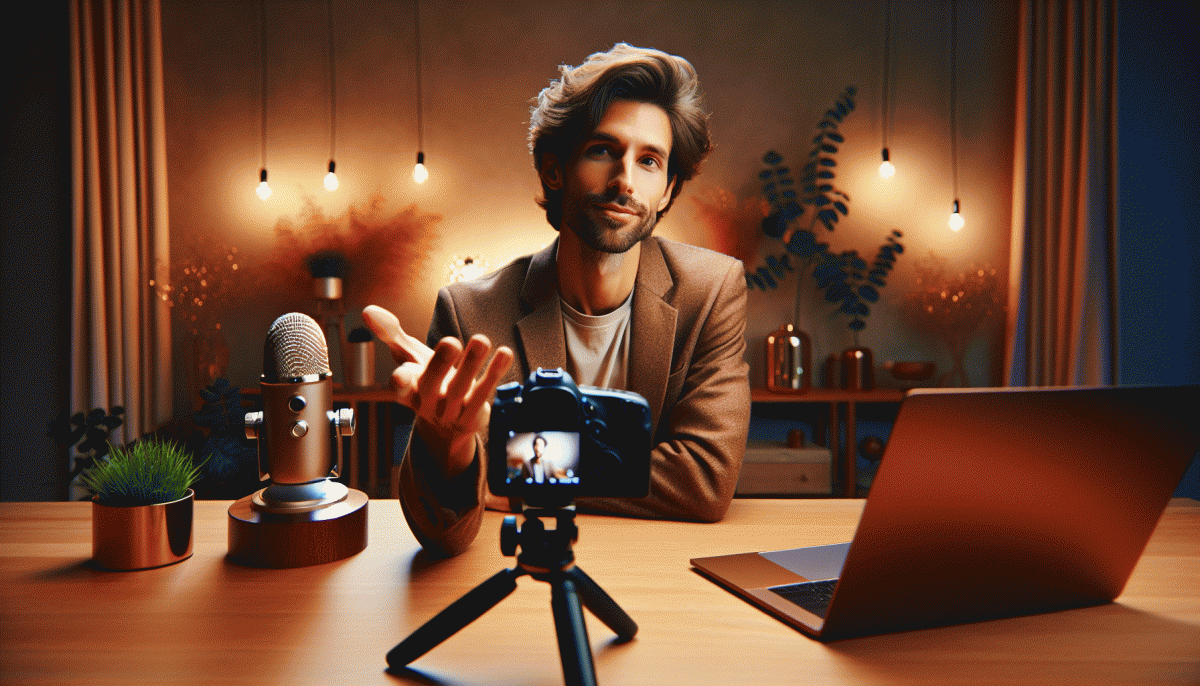
Camera, lighting, action: make your phone look like a studio
Think like a director, not a phone owner: a few intentional moves make viewers assume you brought a crew. Start by cleaning the lens, picking portrait orientation, and composing on the grid—little things that translate to big perceived production value.
Use the rear camera when possible (better sensor), but keep an eye on framing from the front so you look at the right spot. Lock exposure and focus to stop the image from hunting, disable beauty filters, don't zoom—move the camera instead—and mount the phone on a tripod or clamp to banish jitter.
Lighting doesn't have to be industrial. Layer it: soft key light, subtle fill, and a hair/back light for separation. Try these easy setups:
- Key: Soft window or LED panel at 45° for flattering, shadowed depth.
- Fill: Reflector or second dimmer light to lift harsh shadows.
- ⭐ Back: Small rim light to separate you from the background.
Frame for connection: eye level on the top third, leave comfortable headroom, clear clutter behind you, and wear colors that contrast the background. Keep movements slow and intentional—no fast pans or fidgety hands.
Before you go live, run a 10–20 second rehearsal to check exposure, audio, and composition; adjust levels and lighting rather than hoping the algorithm will forgive you. Nail these basics and your phone will feel like a studio, without the baggage.
Hooks that hit in 7 seconds: icebreakers that spark instant comments
You have seven seconds — not to explain your life story, but to pull someone from scrolling into typing. Begin with a micro-survey, a weird contrast, or a tiny dare that fits your vibe. Keep wording specific ("Which coffee would you bring to a meeting: cold brew or oat latte?") and always end with a clear invitation to reply.
Tone matters: playful, slightly vulnerable, or plainly curious beats try-hard. Avoid generic "Hey guys" intros; instead use an immediate decision point, curiosity cliff ("I tried this for 24 hours — want the results?"), or a two-choice poll. Rotate 2–3 starter frames so your audience recognizes the pattern and feels safe to drop a comment.
For tools and quick templates to steal (ethically), bookmark Twitch profile boost — it's a compact hub of prompts, timing tips, and delivery tweaks built for live formats, not stage speeches. Use those templates as scaffolding, not scripts.
Practical sprint: test two hooks per week, pin the best comment, and shout out responders by name within 30 seconds — social proof accelerates replies. When you nail a seven-second opener that consistently sparks replies, lean into it, iterate, then scale the energy without getting cheesy.
No more awkward pauses: proven live formats you can rinse and repeat
Stop staring at the camera waiting for lightning. Adopt a small, repeatable skeleton that kills awkward gaps: a micro-hook, a high-value segment, and an audience moment. Promise one clear outcome in the first 15 seconds and deliver it before the end. That tiny discipline makes improvisation feel intentional and gives you a dependable rhythm to rinse and repeat.
Try the 3-Act Mini Show: Act 1 — 60-second hook and what viewers will walk away with. Act 2 — an 8 to 12 minute deep dive (demo, story, or toolkit) using a two-column cheat sheet: talking points on the left, visual cues on the right. Act 3 — a rapid Q&A where answers are 30 to 90 seconds. Timebox every act and always end with a micro-CTA.
Co-host Rapid Fire is perfect when energy is low. Bring a guest, trade five lightning questions, then let chat vote on the twist. Assign one person to moderate comments and another to set timers and camera swaps. Pre-write five fallback prompts and a transition phrase so a lull becomes a deliberate reset instead of an awkward silence.
Tutorial + Challenge converts viewers into participants: teach a single skill under seven minutes, demonstrate it, then issue a 24-hour challenge for people to post results and tag you. Pin simple rules and a resource link, then react to early submissions live. If you want to nudge reach metrics with consistent visibility and fast traction, try Instagram boosting as an occasional performance amplifier.
Finish with a tight pre-flight checklist: Lights: two soft sources and no overhead glare.
Audio: dedicated mic or lav and muted background apps.
Flow: headline, demo, Q&A, CTA and a visible timer. Run a 60-second rehearsal and save one fallback story. Treat each live like a mini show and the pauses will disappear.
From views to superfans: CTAs, pinning, and post-live repurposing that sells
Views are vanity; movement is currency. Use micro-commitment CTAs during live: ask for a quick tap, a one-word answer in comments, a poll reaction, or to drop an emoji. Lead with low-friction tasks first, then escalate to a sign-up, DM, or community invite. The trick is to make each CTA feel like a natural part of the chat rather than a pitch.
Pin like a pro. Pin a simple action such as Tap ❤️ for the template or Comment 1 for the checklist, and update that pinned message as the show evolves — rotate every 5 to 10 minutes to match what is happening. Use the pin to surface a time-limited offer or the exact moment you will drop a resource so passive scrollers become engaged followers.
Repurpose every minute. Snip 15–30 second highlights for Reels and Stories, add subtitles and hook frames, transcribe for caption carousels, and stitch Q and A clips into an evergreen FAQ. Drop your best clips into an email welcome sequence and a pinned highlight so new followers meet your voice immediately and repeatedly.
Mini playbook to copy now: CTA formula — Spot + Ask + Benefit; Pin template — Short action + reward + mild urgency; Repurpose cadence — clip, caption, email within 48 hours. Measure saves, shares, and DM volume, then double down on the CTAs that create conversations and repeat viewers.
Read also

Instagram Live Without the Cringe: The Unfair Playbook They Don't Want You to Use

Go Live on Instagram Without Cringe: The Shockingly Simple Playbook

Go Live on Instagram Without the Cringe: Steal These Pro Tricks to Wow Viewers

You’ve Been Doing Instagram Live Wrong—Do This Before You Hit ‘Start’

What the Algorithm Really Wants from You on Instagram: The Playbook It Won't Post
