YouTube Live, Zero Cringe: Steal This Playbook for Flawless Streams
Pre-Game Like a Pro: Scripts, Scenes, and a 60-Second Tech Check
Treat your stream like a tiny production: write a short script, design a couple of scenes, then perform a focused 60‑second tech ritual before you hit Go. The goal is to replace anxiety with muscle memory so you can be present, funny, and human instead of wrestling settings mid‑air.
Script the first 90 seconds: a one‑line hook, a two‑sentence intro that names the topic and the payoff, and a clear first call to action. Prepare 3 quick segues to move between points without dead air. Keep one “emergency line” to buy time if chat explodes or a guest is late.
Map your scenes like beats in a song: Main cam, Screen Share, Guest split, and a silent intermission with a standby image. Name scenes with hotkeyable labels, add lower thirds and a simple overlay stack order, and rehearse the exact point where you cut to ads, Q&A, or outro so transitions feel choreographed, not chaotic.
Do the 60‑second tech check as ritual, not checklist: switch to your main scene, speak at streaming volume, flip to a screen share, then run one sample transition. Use this mini‑check to catch the usual culprits:
- Audio: Verify mic is hot, levels peak under clipping, and system audio routing is correct.
- ⚙️ Video: Confirm framing, white balance, and that your webcam is using the intended device.
- Scenes: Trigger each hotkey transition to ensure scenes and overlays behave as practiced.
Finish with a deep breath, start the recording locally if possible, and launch with the confidence of someone who prepped like they cared. Ready, steady, stream.
Make the Camera Love You: Lighting, Framing, and Sound that Scream Cred
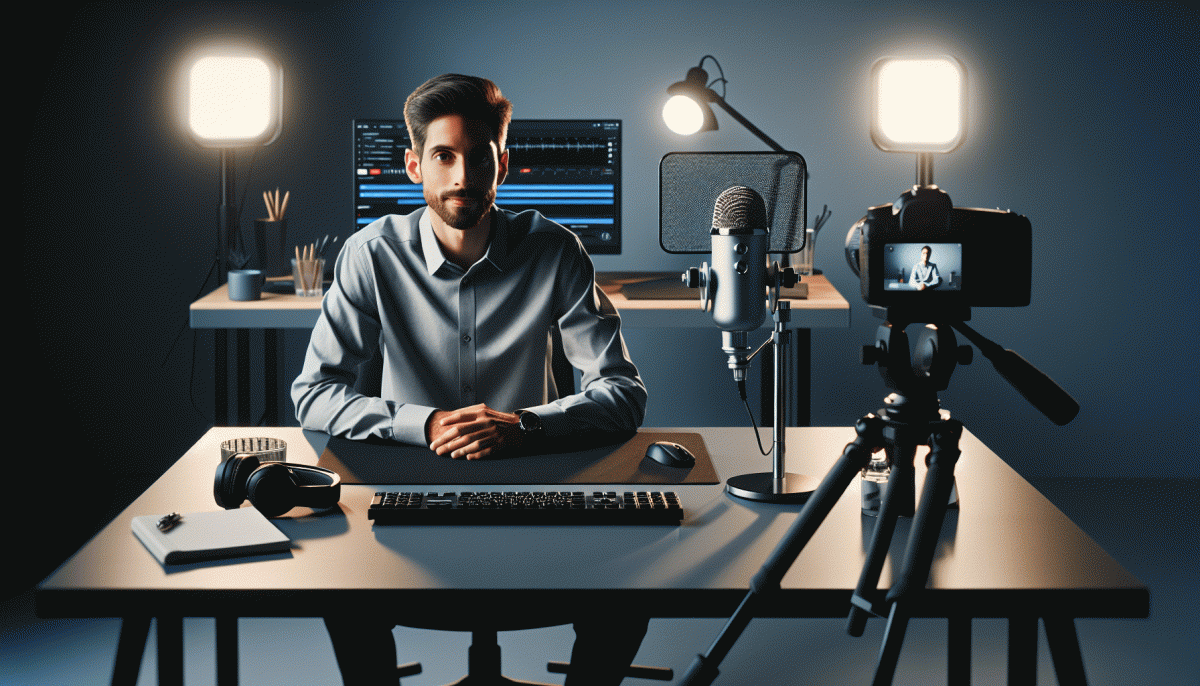
Stop hiding behind bad light and tinny audio; make the camera act like it is your biggest fan. Start with three simple pillars: even, flattering light; intentional framing; and clean, clear sound. Small upgrades and smart habits turn amateur streams into credible productions without breaking the bank.
For lighting, embrace soft, directional sources. Position a diffuse key light slightly above eye level, use a reflector or bounce card opposite to fill shadows, and let natural window light be your friend—just diffuse it with a sheer curtain. Keep color temperature consistent (around 5000–5600K) so skin tones do not fight your backdrop.
Framing is how you tell the viewer where to look. Aim for eyes one third down the frame, leave modest headroom, and create depth by separating yourself from the background. Use a tripod or stable surface and avoid digital zoom; a small physical step back will flatter more than a crop. While you refine composition and gear, consider a growth nudge: boost Trovo to get more eyeballs on the streams you polished.
Sound is the non negotiable. Prioritize a dedicated mic (USB or lavalier for mobility, shotgun for stationary setups), add a pop filter, and treat room echo with soft surfaces. Monitor levels so peaks stay below 0 dB and average around -6 dB. Do a quick prestream sound check and you will keep viewers engaged longer.
Chat Magic: Hooks, Polls, and Mod Tactics to Keep Viewers Glued
Think of chat as your co-host — open with a micro-hook: pin a one-sentence question, tell the first five who answer they'll get a shoutout, or drop a tiny dare tied to the topic. Short, playful prompts spike first-minute participation and set a lively pace.
Use polls like scene cuts. Preload one to break long segments, launch a reactive poll when a bit lands, and keep choices tight (2–3 options). Announce a 30–60 second countdown, read results aloud, and pivot the stream to the winning direction — that instant feedback loop is addictive.
Train mods with a lean playbook: enforce clear chat rules, promote good messages, and quietly remove spam. Give them canned responses, a VIP highlight list, and simple escalation steps. Toggle slow mode, follower-only windows, and filters proactively so moderation amplifies energy instead of killing it.
Map a chat flow: hook, micro-poll, direct call-to-action, then a reward moment where you shout out winners or read standout takes. Rehearse transitions, cue your mods, and keep energy shifts deliberate — do this and viewers won't just watch; they'll cheer in chat, invite friends, and stick around for the next show.
Panic-Proofing: What to Do When Wi-Fi Wobbles, Audio Echoes, or Trolls Arrive
Hit by a live-stream hiccup? First, breathe - viewers forgive more than you think if you handle it gracefully. Verbally set expectations ("quick tech pause"), hit mute if needed, and switch to a standby screen with music or a countdown. A calm host = less panic and less cringe.
For Wi-Fi wobble: ditch flaky Wi-Fi for wired Ethernet when possible, or tether your phone hotspot. Lower your encoder bitrate in OBS, reduce resolution, and close background apps. Keep a pre-saved stream profile so you can swap settings in seconds instead of fiddling mid-show.
Audio echo demons? Turn off desktop audio monitoring, use headphones, and check that only one device is capturing your mic. If echo persists, mute desktop audio, restart your audio source, or swap to a secondary mic input. Run a 20-second sound check before going back live.
If you are juggling tech and engagement, nudge growth without the stress: get Twitter followers fast - free up energy to manage the stream while your reach ramps up.
Trolls? Use stream delay, appoint moderators, and have canned responses for derailers. Ban repeat offenders, pin community rules, and pivot the conversation by highlighting helpful comments. End with a 30-second recap to reset tone - your audience will appreciate competence over chaos.
After the Applause: Turn Your Live into Clips, Shorts, and Evergreen Traffic
Harvest the best moments before you close the broadcast. Train your mods or use the platform markers to tag spikes in chat and applause, and keep a running timestamp note during the stream. After the session, export the high‑res VOD and a raw clips folder so you don't chase lost highlights later. Think like a clip editor: spot tight moments — a laugh, a revelation, a 10–20 second surprise — and mark them for vertical and horizontal cuts.
When you edit, lead with a hook. For shorts, open with a one‑line punch or visual gag in the first 1–3 seconds, add bold captions, and keep runtime under 60 seconds. Use Context captions for quick clarity and CTA subtitles that point viewers to the full stream or playlist. Create two masters: a square/vertical short for feeds and a cleaned 16:9 clip for the long‑form audience; both should have a custom thumbnail and a clear end card.
Distribute like a scientist. Post platform‑native versions — vertical to short‑form apps, horizontal to YouTube and embedded players — and stagger releases: an immediate short within 24 hours, a polished highlight within 48–72 hours, and an evergreen compilation weekly. Repurpose transcripts into blog posts, timestamps into SEO‑friendly descriptions, and audio into podcast snippets. A simple batching rule: one live yields five shorts, two long clips, and one weekly best‑of compilation.
Automate the boring bits. Use transcription tools, clip exporters, and templates for titles and descriptions so quality doesn't slide when you get busy. Track retention and click‑through, A/B thumbnails, and kill formats that underperform. Most importantly, treat every stream as content currency — harvest, refine, and distribute — and your archive will turn applause into a steady drip of new discovery.
Read also

Go Live on Instagram Without the Cringe: Steal These Pro Tricks to Wow Viewers

Instagram Live Without the Cringe: The Unfair Playbook They Don't Want You to Use
This 3x3 Creative Testing Framework Saved Us Thousands—Steal the Playbook

Steal This Zero-Social Funnel That Converts Like Crazy (No Posts, No Problem)

Steal This $5/Day Ad Playbook: Grow Fast Without Torching Your Budget