Stop Going Live Like a Rookie: The No-Cringe Instagram Playbook
Prep in 10: a friendly checklist that ends dead air before it starts
Treat your first ten minutes like a micro showrunner. Walk in with a quick ritual: set the scene, lock the camera, silence the phone, cue the mic. This short habit turns anxious gaps into confident breathing room and saves you from resorting to awkward small talk while viewers wait.
Light: soft front light, avoid bright windows behind you.
Sound: test the mic and move noisy devices away.
Framing: check headroom and background for clutter.
Internet: do a quick speed check and have a hotspot ready as backup.
Prepare three reliable kickoffs and a fallback. Have one story, one demo, and one question to ask the audience. If tech hiccups occur, switch to storytelling while you troubleshoot. Keep a small note card or a phone memo so prompts are never lost and silence never fills the room.
Engagement is a tool, not a hope. Plan two CTAs: one action and one reaction, for example follow plus comment. Write a 30 second opener that invites replies and pretype a few pinned comments to guide the chat. Greet new viewers by name where possible.
Do a two minute dry run: start camera, speak aloud, test transitions. Count down 30 seconds before going live and take a purposeful breath. After the stream save the replay, note one quick improvement, and file that learning for the next ten minute prep loop. Small routines add up to pro level lives.
Look pro instantly: lighting, audio, and angles that flatter on mobile
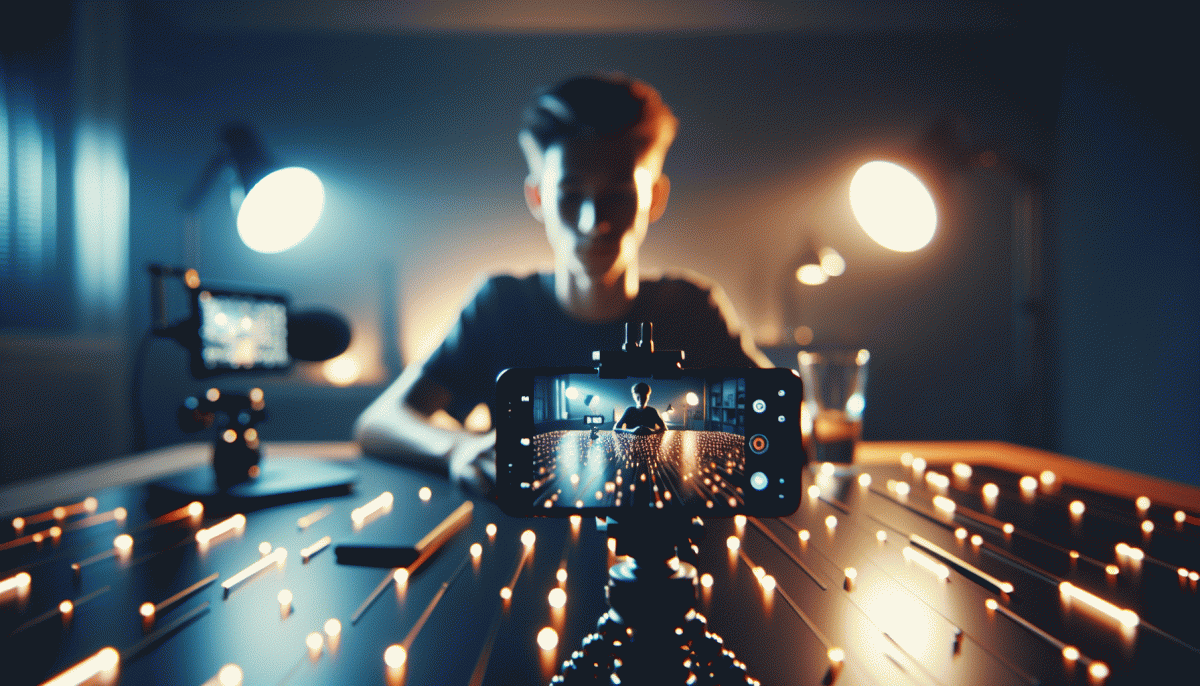
Lighting is the cheat code. Face a window for soft, flattering light and avoid overhead bulbs that create forehead sheen. If you have a ring light place it just above the camera for that polished catchlight; if not, put a lamp behind the phone and diffuse it with a white t shirt or baking paper to kill harsh shadows. Small change, huge upgrade.
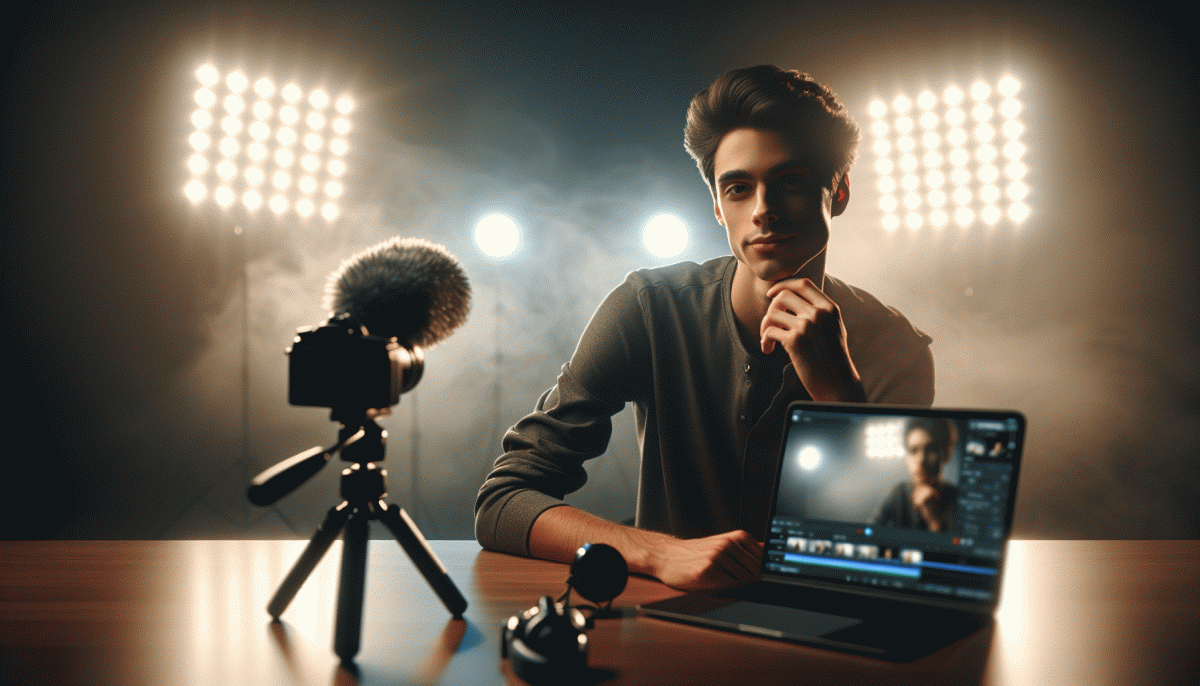
Sound makes or breaks authority. Clip on a lavalier mic to clothing near the collarbone and keep the phone mic unobstructed by cases. If a lav is not available, use a pair of earbuds with mic and record a short test clip to check for wind and echo. Close curtains and move away from hard surfaces to reduce room reverb. Clear audio keeps viewers watching.
Angles and framing set the vibe. Aim the lens at eye level or slightly above for the most flattering look, and hold the phone at arm reach so your head and shoulders fit the frame. Use gridlines to keep yourself on the upper third and lock exposure and focus by tapping and holding the screen. Slight camera tilt or placed prop below can add personality without distraction.
Last, own the prep with a 60 second checklist: tidy background, warm light source, mic test, eye level, AE/AF lock. Run a private 30 second practice live to check movement and captions. For creators who want a quick gear grab, a simple ring light and lav mic under fifty will move the needle. Look pro and deliver content that feels like it was produced, not patched together.
Hook in 15 seconds: cold opens, countdown reminders, and Q&A that stick
Cold opens are your first five seconds of fame: skip generic greetings and drop a crisp promise, a weird fact, or a tiny shock that makes viewers blink twice. Lead with motion, contrast, or a provocative question they want answered now. Open like someone walking into a scene mid-argument so curiosity locks attention and the scroll pauses.
Countdown reminders are your backstage cheerleaders. Use a sticker 24 hours prior, a brief nudge an hour out, and a 60 second alert just before start; during the stream say the countdown out loud and name one reason to stay. Small, consistent nudges turn casual scrollers into prompt joiners and boost early momentum.
Make Q and A sticky by seeding questions in advance and asking one compelling question within the first 15 seconds. Repeat answers with a short summary line, invite quick follow ups, and always echo the asker by name. Tight, conversational answers keep people watching instead of tuning out.
Try this micro script: 1) Tease the outcome in one sentence. 2) Show a fast visual proof or demo. 3) Ask a playful, easy question that invites a reply. Practice the rhythm until transitions feel natural; timing beats perfection for live energy.
Small experiments yield big watch time gains. Start with an unapologetic opener, respect countdown cadence, and treat Q and A like beats in a show. Do five takes, keep the best, and deliberately test one weird version to discover what truly hooks.
Own the chat: pinned comments, badges, and Live Rooms that keep it smooth
Pin with purpose. Instead of a bland “Welcome,” pin a one-line agenda, the current call to action, or the rule that matters most. Change that pinned comment between segments to steer the crowd—pin the product link during the demo, then swap to the giveaway code during the Q&A. Keep it tight: one pin, updated twice max, so your viewers always know where to look.
Treat badges like VIP name tags. A simple script to thank supporters by name, then ask a tiny favor (share the Live or drop a question) turns passive likes into active momentum. Mention badge perks early so viewers know why to tap the heart-plus, and schedule a 30-second badge-only shoutout each stream to reward and incentivize repeat support.
Use Live Rooms as controlled chaos. Invite co-hosts who know the format, assign segments before you go live, and keep a visible cue system (green = go, red = wrap). If you plan guests, run a 10-minute tech rehearsal so mics, cameras, and transitions do not steal the show.
Combine moderation tricks for a smooth chat: appoint two moderators, enable keyword filters, and pin your core CTA. For supplemental help, check curated services on Instagram boosting site that list tools and quick hires to handle chat flow and growth when you scale.
Quick checklist: Pin the agenda, Reward badge holders, Prep Live Room roles, Assign mods. Nail those four and your next stream will feel rehearsed, even if it is wild. Go be the host people trust to keep the party moving.
End with momentum: natural CTAs and repurposing moves that drive replays
Finish strong by turning your final minute into a directional cue, not a desperate plea. Summarize the golden nugget in one crisp sentence, then layer two simple CTAs: one soft action for passive viewers and one direct action for engaged viewers. Examples you can use verbatim: Save this for later, and DM "Start" to get the template.
Make the CTAs feel like natural next steps instead of commercial breaks. A quick way to do that is to tie the CTA to value: "If this helped you, save it so you can build on it later." If you want an extra engagement nudge, pair the CTA with a tiny incentive and an easy followup link like Instagram growth booster to automate momentum.
Repurpose in real time: mark timestamps during the live for snackable clips, chop a 15–45s highlight for Reels, and create a carousel of the three best tips with short captions. Export a caption that doubles as an email subject line and add subtitles for sound-off viewers. Give each repurpose a clear CTA so every format becomes a replay driver.
Finally, automate the follow through. Pin the highlight comment, create a permanent Story highlight, and schedule the best clip to run as an organic ad. Track replays and engagement in the first 48 hours and iterate. Small endings with big systems equal more replays and less cringe.
Read also

Instagram Live Without the Cringe: The Unfair Playbook They Don't Want You to Use

Go Live on Instagram Without Cringe: The Shockingly Simple Playbook

Go Live on Instagram Without the Cringe: Steal These Pro Tricks to Wow Viewers

You’ve Been Doing Instagram Live Wrong—Do This Before You Hit ‘Start’

What the Algorithm Really Wants from You on Instagram: The Playbook It Won't Post