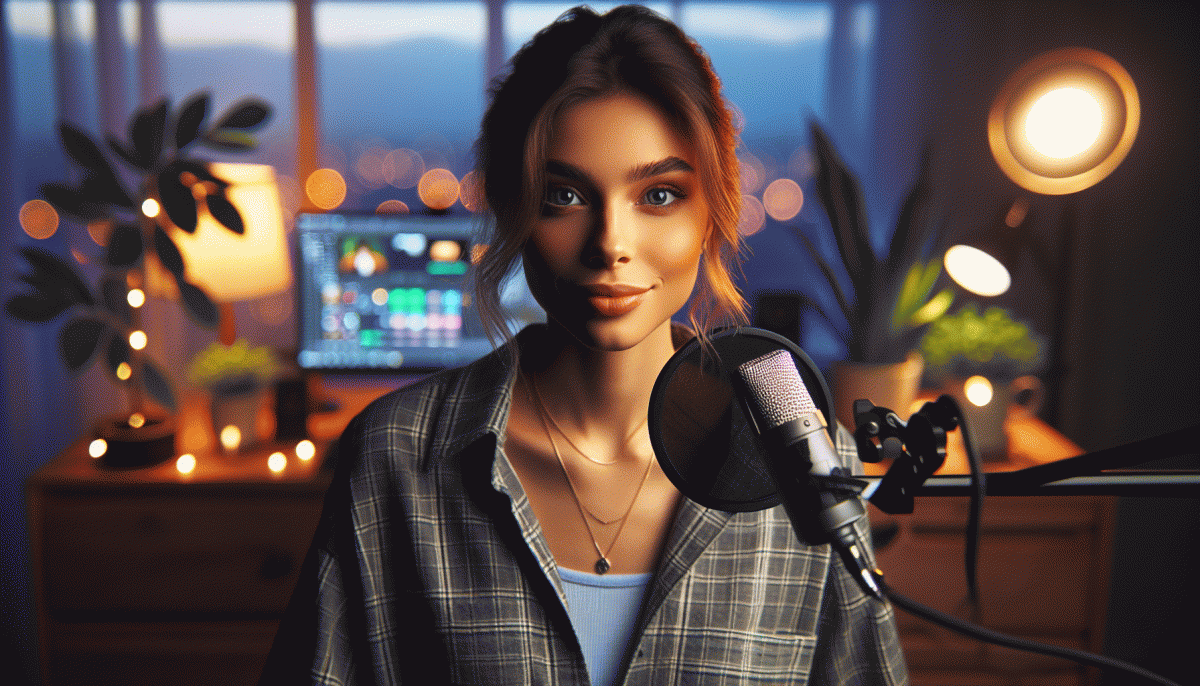
Instagram Live, Zero Embarrassment: The Playbook for Killer Streams
Pre-Show Checklist: Lighting, Lines, and a Backup Plan
Think of the pre-show run-through as your anti-cringe insurance: five minutes of smart prep buys you confidence and keeps the chat from watching you improvise while you squint at a dark frame. Treat this like a mini-rehearsal, not a chore—fun, fast, and fiercely practical.
Lighting is magic and also math: position a soft key light at 45° to avoid flatness, add a subtle backlight to separate you from the background, and dim harsh overheads. Use warm temperature for skin tones, set your phone to airplane mode except Wi‑Fi, and check the camera preview at eye level so viewers feel like you're talking to them, not to their ceiling.
Script your opening like a pirate map: a clear X marks the hook, three islands are your main points, and an X-ray quick call-to-action closes the treasure hunt. Write short cue cards or a bulleted note in the phone notes app, and rehearse the first 30 seconds until it sounds natural. If you stumble, smile and roll with it—authenticity beats perfection.
The backup plan is your secret weapon. Test your upload speed, have a charged power bank and a second device logged into the same account, and queue two fallback segments (Q&A, a quick demo, or a 60-second story) in case something dies. Practice muting, switching cameras, and restarting the app in under a minute so you don't lose momentum.
- ⚙️ Lighting: Soft key + subtle backlight and phone at eye level.
- Script: Hook, three points, CTA—first 30s memorized.
- Backup: Power bank, spare device, and two fallback segments.
Hook Them in 10 Seconds: Openers That Stop the Scroll
The first ten seconds decide whether someone sticks around or keeps scrolling. Treat them like a movie trailer: a striking visual move for 3 seconds, a tease that creates curiosity for 3 seconds, then a clear promised payoff in the final 4 seconds. This 3‑3‑4 model keeps your opener tight and magnetic.
Use proven opener types: Shock stat: drop one surprising number to stop thumbs.
Curiosity cliff: start mid‑story and immediately tease the twist.
Fast demo: show a radical before/after in motion so viewers instantly see the benefit.
Micro‑scripts you can copy: Beauty — "One drop fixed my skin in seven days; here is what I threw away." Coach — "Three words that changed my schedule forever — try this now." Artist — "What this brush does in 10 seconds will surprise you."
Film like you mean it: begin with movement toward the camera, use bright front lighting, add simple captions for the first line, and call out a single promise. Keep energy high; if sound is off, your visual must still tell the story.
Want a swipeable set of openers and ready‑to‑read scripts? Grab the 10‑Second Opener Pack in the next section and test three fresh hooks in your next stream — fast, fearless, and engineered to convert.
Chat Without Chaos: Moderation Moves That Make You Look Smooth
Think of live chat as your show’s helpful sidekick that needs direction. Start by pasting clear rules into the stream description, enable Slow Mode to thin the rush, and switch on keyword filtering to catch repeat nonsense. Give moderators a short checklist so everyone knows the playbook before the first viewer arrives.
Assign two reliable moderators, hand them canned replies and escalation steps, and run a quick protocol on removing trolls without drama. If you want a fast credibility nudge while you grow your audience, consider buy Instagram followers today as a temporary boost to make conversations feel livelier from the jump.
Use pinning to steer the chat: pin the question you will answer first or spotlight a helpful comment to set tone. Teach mods to mute, restrict, or ban — those are quick edits to your live editing suite. Favor calm, public corrections over shaming; that keeps your community feeling safe and classy.
Run a five-minute dry run before prime time to test filters and moderator responses, export chat logs afterward to spot repeat troublemakers, and tweak filters iteratively. Small systems, rehearsed roles, and decisive moderation transform chaotic comment sections into smooth, entertaining banter that makes you look sharp.
Camera Confidence Tricks (Even If You're Sweating)
If your palms start doing the salsa the second the red dot appears, you're human — and you can outsmart it. Start with two micro-habits: take three slow diaphragmatic breaths before you go live, and drop your phone a few inches so the lens sits at or slightly above eye level. Small posture shifts = instant confidence.
Frame like a pro: use the grid lines to keep your eyes on the top third and leave breathing room above your head. If your face looks distorted, step the phone farther away and zoom in slightly — it flattens perspective and is secretly flattering. Keep a sticky note with your 3 talking bullets taped to the back of your device so you never freeze mid-sentence.
Sweat-proof your look: blotting paper or translucent powder is a streamer's friend; a small desk fan out of frame keeps you cool without ruining audio. Pick matte fabrics and dark, solid colors that won't show sweat patterns. Have a paper towel nearby and treat a quick camera-side dab as part of your live choreography — no shame, just stagecraft.
Performance tricks: open with a 10-second scripted hook you can deliver eyes-on-camera, then switch to bullet prompts. Pretend a single friend is on the other end — it calms tone and tightens focus. Use short practice runs and record them; watching the playback fixes micro-habits faster than wishful thinking and builds a reliable deep-breathing ritual.
If you want a little launch boost so your first sweaty-but-stellar streams reach more people, try a visibility nudge like cheap YouTube visibility boost to kickstart discovery. Confidence grows with experience — rig your environment, rehearse the opening, and the rest will feel a lot less terrifying and a lot more fun.
Turn Viewers into Buyers: Calls-to-Action That Don't Feel Pushy
Think of your live as a friendly demo, not a commercial break — guide people toward buying without sounding like a pushy host. Use context-driven CTAs that match what you\u2019re showing: when you demo a product, explain who it helps and the exact moment it makes life easier.
Lead with micro-commitments: invite tiny, low-risk actions like "tap the heart if you like this" or "drop a 1 for a quick tip." Once viewers act, a bigger ask (link in bio, DM to reserve, or a short discount code) lands much more naturally. Time CTAs right after a win or a surprise benefit for maximum traction.
- Freebie: Offer a quick downloadable or checklist and say it\u2019s in your bio — giving value first removes pressure.
- Demo: Show the product solving a real problem live, then invite viewers to try it today with a limited offer.
- Proof: Read a short testimonial or show a before/after to make the ask feel like the obvious next step.
Keep CTAs conversational and specific: "tap the link in bio," "comment to reserve," or "DM for early access." Test one CTA per stream, watch which gets the most comments or DMs, and iterate — small tweaks turn polite prompts into conversions without the cringe.
Read also

Instagram Live Without the Cringe: The Unfair Playbook They Don't Want You to Use

Live on Instagram Without Embarrassment: Pro Secrets That Actually Work

Go Live on Instagram Without Cringe: The Shockingly Simple Playbook

Go Live on Instagram Without the Cringe: Steal These Pro Tricks to Wow Viewers

You’ve Been Doing Instagram Live Wrong—Do This Before You Hit ‘Start’