Go Live on Instagram Without the Cringe: The Pro Playbook That Hooks Viewers and Converts
Before you hit Go Live: a 10-minute prep ritual that kills stage fright
Treat the ten minutes before a live like a ritual, not a panic attack. Split them into three tiny sprints: tech check, body reset, and a one-line script. Give each sprint just enough time to feel confident, not perfect. The goal is calm energy that reads as charisma on camera.
Start with two minutes of breathing and posture. Do box breathing: four seconds inhale, four hold, four exhale, repeat three times. Stand tall with shoulders back for a power pose while humming low to warm your voice. These microhabits lower adrenaline and make your voice sound steadier instantly.
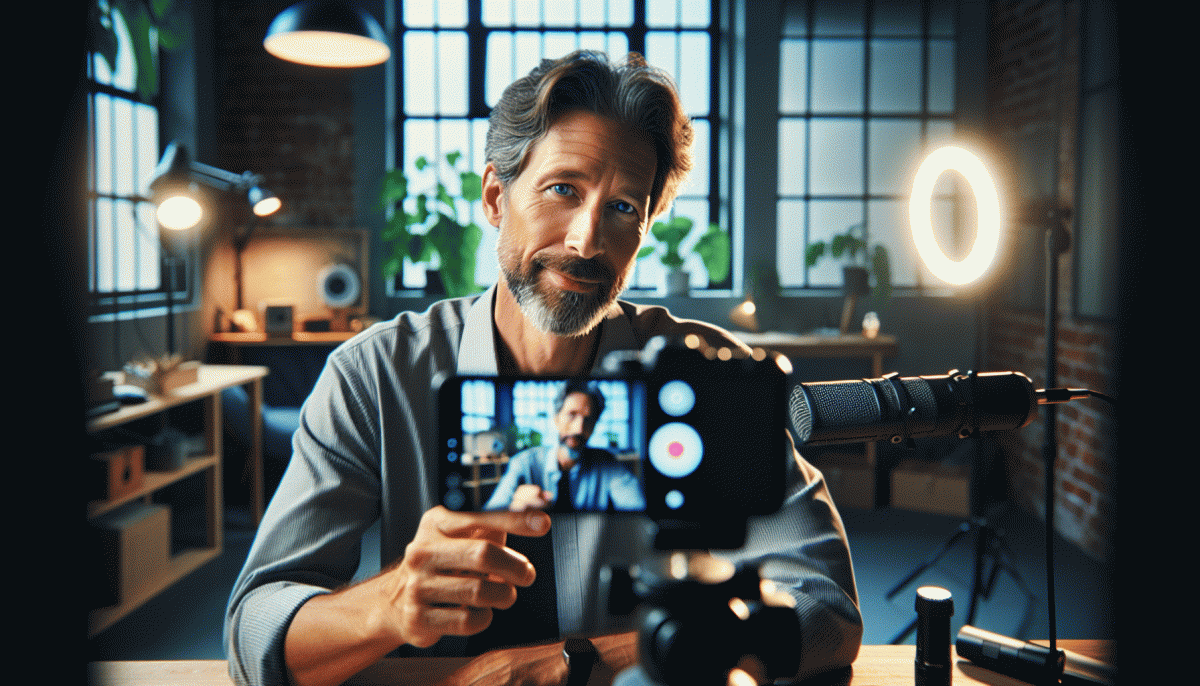
Then spend three minutes on the setup. Raise your phone to eye level, face a soft light source, and test audio with a 20-second recording. Clear visible clutter from the frame, close unnecessary apps, and turn off notifications. A little polish here prevents tiny distractions from hijacking your focus midstream.
Use the next three minutes to lock your opening: a 30-second hook, one clear promise of value, and three quick talking points you can count off on your fingers. Say your first line out loud until it flows naturally. If you want a quick post-stream bump, check Twitter growth booster to amplify reach after the broadcast.
In the final sixty seconds: smile, breathe, unmute, and greet the first viewer by name if possible. Drop your hook, invite a simple interaction, and let the chat drive the tempo. You are not delivering a lecture; you are hosting a conversation. Go live with the intention to be useful and enjoy the ride.
Open strong: hook lines and formats that stop the scroll on Instagram Live
First impressions on Live are ruthless: viewers decide in about seven seconds. Your opening needs a tiny, immediate promise that matters now, not later. Lead with a benefit, a bold question, or a surprising fact so people stop scrolling and stick around to see how that promise gets fulfilled.
Tease + Reward: "Stay for 60 seconds and learn one trick to double your thumbnail clicks." Curiosity + Micro-lesson: "Most creators miss this one camera move that boosts retention." Behind-the-scenes + Reveal: "I am about to show the exact setup I used to land a collaboration."
Formats that consistently stop the scroll include a fast countdown, a visible quick win, a live reveal, and a tiny challenge. Delivery matters as much as words: use controlled energy, tight framing, and a friendly but urgent tone. Pause before the payoff to create anticipation and invite immediate chat responses.
Scripts for the first 15 seconds you can swipe and adapt: "Quick question: would you rather grow on video or burn time? Tell me which in chat—I will fix one answer live." Or: "I will teach a 60 second bio hack that converts followers to customers." Or: "Count down with me: 3, 2, here is the thing no one tells you."
Dont rely on audio alone. Craft a thumbnail-style first frame, pin a short headline in the top of the screen, and drop a pinned comment with the promise and a micro-CTA. Use Stories countdowns to drive punctuality and label your Live title with the exact takeaway to set expectations.
Finally, turn the hook into conversion by asking for a tiny action early: type 1 to get the template, drop your role for a tailored tip, or stay until the end for a downloadable resource. Move from hook to value in the first 20 to 30 seconds and the rest of the stream will feel inevitable.
Keep the room buzzing: chat prompts, polls, and guest cameos that feel effortless
Think of the live chat like a low-effort improv scene: short cues beat long monologues. Prepare a handful of micro-prompts you can drop every 4–7 minutes so the room always has something to react to. Keep language punchy, avoid open ended essays, and have a default reply to highlight.
- Question: A one-word or one-emoji ask that gets instant reactions
- Poll: Two-option poll with a 30 second timer to force quick decisions
- Cameo: A prearranged 60 second guest drop that resets energy and conversation
Use cadence like a DJ: drop a countdown, read top replies aloud, and call out usernames when someone nails a comment. Pin the best answer, reward it with a shoutout, and recycle winner prompts into the next segment so momentum compounds instead of fading.
If you want plug and play templates plus reach options to kickstart those interactions check Twitch boosting site for quick plans and inspiration that slot right into your show flow.
For guest cameos rehearse a 30 second handoff: cue the guest with a 5 second countdown, switch camera or screen, and have your moderator post the guest intro line. Small, rehearsed signals are what make cameos feel effortless instead of chaotic.
Zero tech drama: lighting, audio, and Wi-Fi fixes you can do in under 60 seconds
Lights, sound, Wi‑Fi. Those are the tiny gremlins that can turn a confident live into a shaky mess. Keep calm. This quick playbook gives you 60 second moves that actually change what viewers see and hear, so you arrive looking and sounding like a pro without a tool kit or a tech class.
Do these three swaps fast and see immediate upgrades:
- ⚙️ Lighting: Face your main light source. If it is too harsh, bounce it with white paper or a piece of foil behind the camera to soften shadows.
- Audio: Clip a headset mic or use wired earbuds. Move the mic close to the mouth and mute notifications to kill background pops.
- Wifi: Move closer to the router or switch to 5GHz. If speed is shaky, toggle airplane mode then reconnect or use a phone hotspot as a backup.
More Wifi hacks when seconds count: stop video downloads and cloud sync on other devices, disable HD upload in the app if available, and prioritize your stream by pausing heavy uploads. If you still see buffering, switch to portrait mode or lower the bit rate inside the app for a smoother viewer experience.
Audio polish in a minute: cup a pillow or hang a blanket behind you to tame reverb, speak toward the mic not over it, and do a 5 second sound check with one viewer before going full length. Run this checklist once and you will skip the cringe and keep viewers glued long enough to convert them into followers or buyers.
From views to value: CTAs, badges, and DMs that convert without feeling salesy
Bring viewers from passive to participating without sounding like a street hawker. Instead of launching into offers, design moments that invite tiny wins: a thumbs-up to be counted, a two-word reply, a voting tap. Your goal is to make engagement feel like play, not pressure — so the ROI arrives naturally because people have already invested attention and ego.
Craft CTAs as micro-commitments and keep them specific. Replace broad asks with simple, measurable moves: "tap the green heart if you want a cheat-sheet" or "drop one word if you want a tutorial next week." Anchor CTAs to immediate value (curiosity, relief, status), and place them right after a revealing tip or a laugh — that timing turns asks into easy next steps instead of awkward interruptions.
Use badges, shoutouts, and pinned replies as lightweight rewards that feel social, not transactional. Try a trio of easy, testable incentives:
- Perk: Give a free mini-resource to the first five commenters — high perceived value, low work.
- Recognition: Promise a live shoutout or custom sticker to contributors who add the best tip.
- Access: Offer an invite to a small follow-up Q&A group for hot prospects.
Turn curious viewers into conversations by DMing only with context: reference the live moment, mirror the language they used, and offer one clear next step. Keep short templates so replies scale but personalize the opener. Run A/B tests (one CTA per stream), measure replies and conversions, and double down on patterns that feel natural and actually start real conversations.
Read also

Go Live on Instagram Without the Cringe: Steal These Pro Tricks to Wow Viewers

Instagram Live Without the Cringe: The Unfair Playbook They Don't Want You to Use

Go Live on Instagram Without Cringe: The Shockingly Simple Playbook

Live on Instagram Without Embarrassment: Pro Secrets That Actually Work
Buying Attention: The No-BS Playbook for Boosting, Influencers, and Paid Leverage That Actually Converts