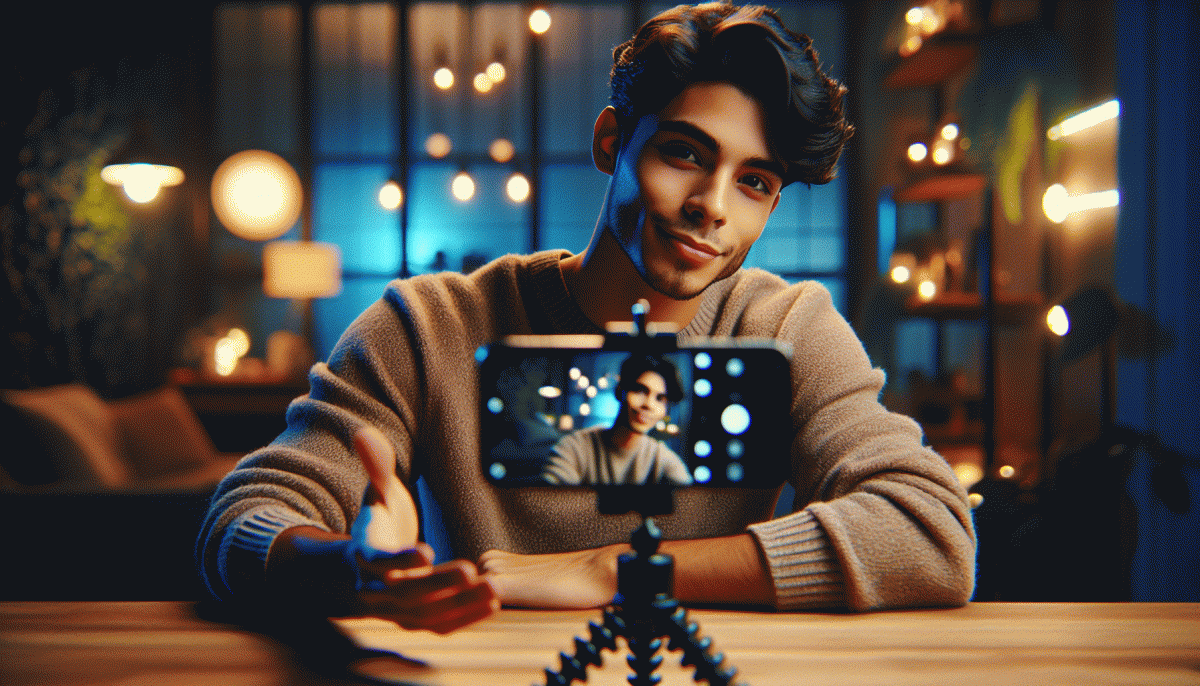
Go Live on Instagram Without Cringe: The No-Embarrassment Playbook
Pre-Live Checklist: 10-Minute Ritual That Calms Nerves and Sets You Up to Win
Ten minutes is a tiny miracle. Start with a five-breath reset to slow your heart, turn on the ring light, angle the camera at eye-line, and mute notifications. Do a quick shot of water and stick a note with your two-sentence opener by the phone. These tiny physical moves stop the shake and buy you charisma before the red dot goes live.
Use a timer and follow a tight sequence: 0–2 breathing + posture, 2–4 audio and mic check (speak at the level you'll stream), 4–6 framing and background sweep, 6–8 run your first 30 seconds out loud, 8–10 toggle comments, pin a starter message, and breathe. Keep a single index card with bullet prompts — not a script — so you sound alive, not robotic.
Mental prep wins the game: name one actual person you're talking to, say your goal out loud (teach, sell, entertain), and promise a tiny payoff in the first 20 seconds. Do a 20-second power pose, smile for three, then re-center on breath. These micro-rituals flip anxiety into focus; have two canned replies ready so the chat feels human from the first comment.
Want a quick way to amplify the moment after you finish your checklist? Consider order mrpopular custom fast to kick-start traction and make those first viewers stick around — a subtle nudge that turns your calm, prepared live into something people actually see.
Look and Sound Pro: Lighting, Audio, and Framing Made Foolproof
Start by making your face the star: use natural window light at about a 45° angle, add a soft fill from a lamp, and never place a bright window directly behind you. If you own a ring light, dial it down one stop so you avoid that flat, reflective look. Keep color temperatures consistent — pick warm or cool and stick with it — and lock exposure when possible so your phone stops hunting for brightness mid-stream.
Good audio beats pretty visuals nine times out of ten. Clip a lavalier or use wired earbuds with a built‑in mic, positioned roughly 4–6 inches from your mouth, and enable Do Not Disturb so pings don't steal the show. Reduce room echo with a rug, curtains, or a soft throw, and always do a quick 10‑second recording to check levels; if you strain to hear yourself, move the mic closer or drop the gain.
Frame like someone who knows what they're doing: camera at eye level, eyes sitting near the top third of the frame, vertical orientation, and a little headroom above your crown. Stabilize with a tripod or a stack of books; if you're handholding, tuck your elbows in and use both hands to steady the shot. Keep backgrounds tidy, add one small item to suggest personality, and avoid busy patterns that fight for attention.
Finish with a 60‑second pre‑live ritual: lights on, mic tested, background cleared, battery >50%, notifications silenced, and your opening hook memorized. Run the first 90 seconds once before you go live so you sound confident, not apologetic. Technical polish is tiny work that yields huge credibility — breathe, smile, and start strong.
Hook, Flow, CTA: A Snackable Script That Does Not Sound Scripted
You can stop scripting like a robot. Use a tiny three-line framework that fits on a sticky note: a punchy opener, two quick beats that move the story, and a tidy call to action. That shape keeps energy high and removes the cringe between you and the camera while sounding effortless.
Make the hook a micro promise, a weird stat, or a playful question. Keep it under eight seconds and test three wordings until one rolls off the tongue. Examples to try silently: "Want one trick for better lighting?", "Most creators miss this step", or "Can I show you how to save time?" Short equals scannable.
For the middle, think in beats. Beat one: name the problem or desire. Beat two: show a single, concrete example or quick demo that proves your point. Use short sentences, clear visuals, and one moment of contrast to make the point stick. Transitions should be a bridge, not a paragraph.
Close with a frictionless CTA. Ask for a tiny action: double tap, drop a word in chat, or follow the link in bio. Offer an either/or option when you can and repeat the CTA once vocally and once visually so passive scrollers get the cue.
Use these micro-templates to record three takes and pick the most human one:
- Hook: 6-8 sec promise or question that pulls viewers in
- Flow: Two beats: problem then one visible proof
- CTA: One clear micro action with very low friction
Chat Like a Host: Engagement Moves That Boost Watch Time and Saves
Think of your live as a dinner party you host for an audience that may arrive late, wander, and snack while watching. Set a friendly atmosphere, give a clear micro promise up front (for example, "Ten minutes to a caption you can steal"), and lean into small rituals like a recurring opener so people know what to expect and why to stay.
Run the chat like a producer: call out viewers by name, turn a good comment into a 3 minute segment, and use callbacks to reward regulars. Tease upcoming moments to lift retention ("Stay until the end for the exact prompt I used") and frame saves as tools ("Save this clip if you want the checklist later"). Pin one comment as the nightly guideline and keep answers short and juicy.
- Hook: A sharp one line reason to watch now keeps the first critical minute strong.
- Pace: Segment content into 3–5 minute chunks so attention resets and average view duration climbs.
- CTA: Ask for a save with a clear benefit like templates, timestamps, or a packable tip.
Want to amplify reach without sounding fake? Explore reliable Instagram marketing for templates, timed boosts, and discovery tools that make your live easier to fill and more rewarding to rewatch.
Quick checklist to run every stream: use names, tease value, pin the best comment, drop mini cliffhangers, then tell viewers exactly what to save and why. Those moves make your broadcasts feel hosted, not awkward.
When Things Go Sideways: Trolls, Tech Glitches, and Graceful Exits
Live moments go off script, and that is fine. When a troll pops in or the video pixelates, the fastest way out of cringe is a composed face and a clear next move. Smile, name the problem in one sentence, and tell your audience what you will do to fix it. Confidence is as contagious as laughter.
For hostile or off topic commenters, set comment filters before you go live and appoint a cohost or moderator to manage chaos. Use short, disarming replies when you can, and mute or remove repeat offenders without drama. Pin one sentence that explains the stream rules so newcomers see boundaries immediately.
Tech hiccups need a checklist you can run in seconds: battery full, app updated, background apps closed, and a backup device nearby. If the stream lags, announce a quick reconnection, switch to a lower resolution, or move the conversation to Stories while you reboot. Communicate progress so viewers do not feel abandoned.
- Mute: Silence noise fast and keep the flow.
- Report: Flag abuse and document usernames for safety.
- Exit: Use a scripted sign off to leave cleanly and professionally.
When you must end early, use a short, friendly sign off: thank people, promise an update, and post a follow up time. Save the recording, note what failed, and turn the hiccup into a teachable clip. Practice these exits so they feel natural and less like a panic move; authenticity beats perfection every time.
Read also

Instagram Live Without the Cringe: The Unfair Playbook They Don't Want You to Use

Go Live on Instagram Without Cringe: The Shockingly Simple Playbook

Go Live on Instagram Without the Cringe: Steal These Pro Tricks to Wow Viewers

Live on Instagram Without Embarrassment: Pro Secrets That Actually Work

You’ve Been Doing Instagram Live Wrong—Do This Before You Hit ‘Start’
