Go Live on Instagram Without Cringe: Steal the Playbook Pros Wont Share
A 10-Minute Prep Ritual That Kills Awkward Silence Before It Starts
Ten focused minutes can turn a shaky start into a confident, chatty opening. Think of this ritual as a tiny pre-show: a rapid tech check, a short confidence run-through, and a lean roadmap for your first 90 seconds so silence has nowhere to live. Practice it twice and awkward pauses begin to feel like a myth.
Minute 0–2: tech sprint — camera framing, mic level, lighting angle, and a quick local recording to verify audio. Minute 2–5: craft three headline bullets: a hook, a value promise, and a clear next step. Minute 5–7: rehearse your first 30 seconds aloud with exaggerated energy. Minute 7–10: queue two audience prompts and a simple interactive moment to trigger early comments.
Keep a tiny opening script ready. Examples you can swipe: Hook: "Today I will show you one trick that saves 10 minutes on your workflow." Promise: "By the end you will have a repeatable template." CTA: "Drop a yes in chat if you want the template." Use short, punchy sentences and a playful cadence to compel replies.
Mini checklist to pin to your monitor: steady tripod, warm key light, tidy background, notifications off, phone in airplane mode, and a visible timer. Bonus: have a glass of water and a one-line intro about who you are so you can signal credibility without rambling.
If you want more live traction after you nail the ritual, pair consistent prep with targeted visibility — check fast YouTube boosting to jumpstart viewer flow and make those first ten minutes pay off.
Camera, Lighting, Ego: Quick Fixes That Make You Look Pro Fast
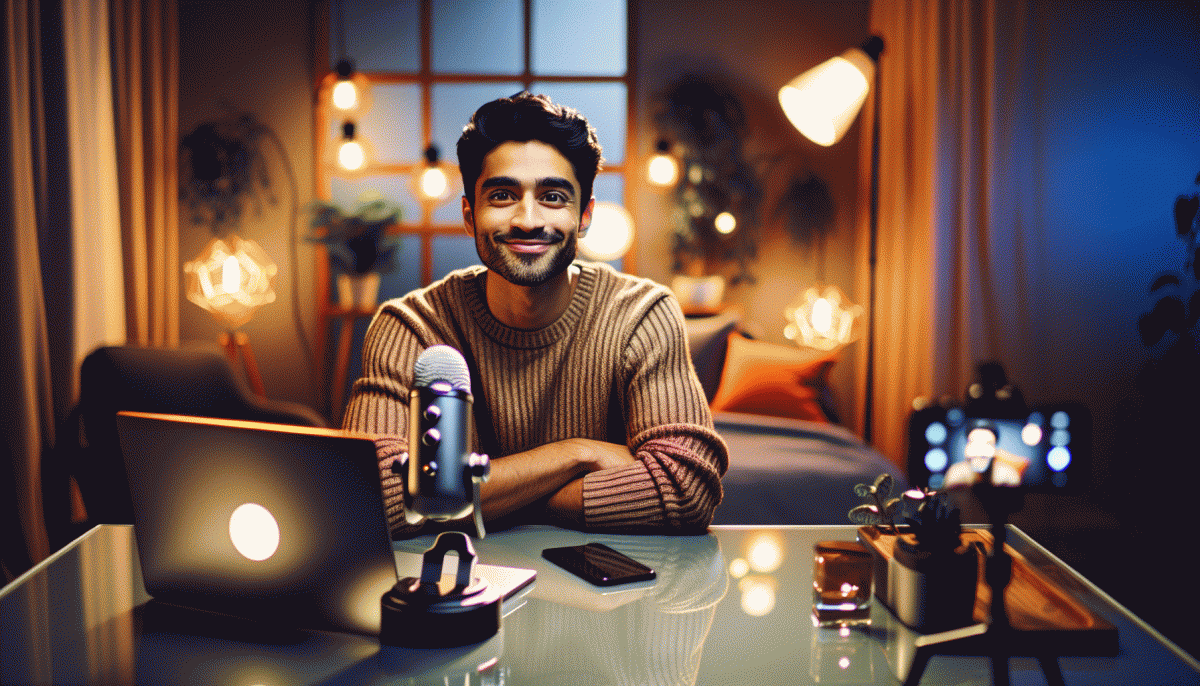
Skip the gear shame: pro-looking lives start with camera placement, not pocket money. Move your phone to eye level (stack books, clamp a tripod) and use the rear camera when possible — it keeps you sharper and the autofocus happier. Frame from chest to top of head, leave some headroom, and don't sit against a messy wall; a tidy, slightly textured backdrop reads as intent, not chaos.
Lighting is the cheat code. Face a window for soft, flattering light; aim for a 45° angle to avoid flatness. If that's not possible, put a lamp behind your phone with a white paper diffuser or use warm bulbs to avoid sickly tones. Kill overhead fluorescents, and add a simple reflector (white sheet, foam board) under your chin to erase hangover shadows.
Ego quick-fixes are performance tiny-habits: start with a 10-second hook, smile with your eyes, and speak like you're explaining something fun to one person. Keep gestures below your chest, slow down by 10–20%, and use a two-line cue on screen (or sticky note) so you don't ramble. Record a 30-second test and watch it back once — you'll catch the micro ticks that make you seem nervous.
- Angle: Tilt the phone slightly down for slimming, or eye-level for trust.
- Light: Bounce a soft light for even skin tones.
- Energy: Open with a question to pull people in.
Finish by running a 60-second mock live — small rehearsal, big confidence.
Open Strong: 7 Hook Formats That Keep Thumbs From Scrolling Away
Those first seconds on a live are not a warmup, they are the headline that either stops a thumb or sends it scrolling. Build a tiny ritual: grab attention with an action, promise a clear payoff, and plant a curiosity seed. Keep it bold, literal, and specific. If you can name the benefit in one line and deliver a small reveal within 10 seconds, you win microattention.
Here are seven formats that actually work: Question: Pose a quick, specific problem — example "Want followers who DM you first?"; Shock Stat: Lead with a number that jars — example "90% of accounts miss this one trick."; Promise: Offer a clear result — example "I will fix your bio in 60 seconds."; Tease: Hint at a payoff — example "Stay until the end for the caption that converts."; Demo: Start with a visible change — example "Watch me edit this post live."; BTS: Open with an unexpected behind the scenes moment — example "This is how my studio looks before a shoot."; Challenge: Give a micro dare — example "I dare you to try this caption now."
Delivery matters as much as format. Start with movement toward the camera, use a quick cut, and put a bold caption on screen for the first five seconds. Replace long intros with a single line and immediate value. Use sound hits or a visual snap to punctuate the hook, and test the same content with three different openers to see which keeps viewers past 30 seconds.
Practice like a DJ: cue seven tight openers, rotate them, and keep quick notes on retention. Script the first three beats for each opener — hook, hint, reward — and rehearse them until the transition feels natural. With a small stack of reliable hooks you will stop feeling awkward and start commanding attention. Next live, pick one format, throw it hard, and let the engagement follow.
Chat Prompts and CTAs That Feel Human, Not Thirsty
Live-chat CTAs should sound like invitations to hang out, not billboards. Instead of “Follow for more,” try something that asks for a tiny contribution: “Pick one — A or B? I’ll demo the winner next.” That kind of two-option nudge feels interactive and low-pressure, and it keeps people typing. Keep your tone curious, playful, and specific — concrete asks win over vague pleas.
Here are three plug-and-play CTAs that read like a friend, not a marketer:
- Casual Invite: “If you’re liking this, drop a heart so I know to keep going!”
- Quick Choice: “Vote 1 or 2 in chat — winner gets a deep dive.”
- Small Favor: “Share this to one friend who’d scream at this — I’ll shout them out!”
For chat prompts, script the vibe, not the words. Replace “subscribe” with tasks that create momentum: “Someone DM me a clip and I’ll react live,” or “Type your best tip in one word — I’ll read my favorites at the top of the hour.” When you want engagement, ask for sensory or emotional replies (“gif that describes your mood”) — they’re low-effort and high-response.
If you want a quick checklist or extra resources to scale organic traction without sounding thirsty, check out Twitter boosting service for comparable examples and ideas you can adapt to Instagram lives. Swap the wording, keep the heart of the ask human, and your CTAs will start sounding like invitations to a hangout, not an ad.
Repurpose Like a Boss: Turn One Live Into a Week of Content
Think of your live as a goldmine, not a one-off performance. After the stream ends, pick the three moments that landed best with your audience: a surprising stat, a raw reaction, and a tight how-to snippet. Each of those becomes the spine of a micropiece you can slice, polish, and publish without recording anything new.
Turn timestamps into short-form magic by exporting 15 to 60 second clips for Reels and Stories, then pull two or three punchy sentences from the transcript to use as captions or on-screen text. Convert audience questions into a carousel post that answers one question per card. That carousel is both value and social proof, and it extends the conversation beyond the live.
Use a simple workflow: export the full video, auto-transcribe, mark timestamps, edit three clips, create two caption variations, and queue them into your scheduler. Templates save time: a caption formula, a thumbnail style, and a consistent CTA. Auto-captioning and batch trimming speed this from hours to under one hour with basic apps.
Schedule release like a mini-series: full replay day one, highlight clip day two, carousel day three, long-form snippet day four, and Stories Q and A on day five. Follow that cadence for two weeks and one cringe-free live will feed your feed for days.
Read also

Go Live on Instagram Without the Cringe: Steal These Pro Tricks to Wow Viewers

Instagram Live Without the Cringe: The Unfair Playbook They Don't Want You to Use

Go Live on Instagram Without Cringe: The Shockingly Simple Playbook

How to Go Viral on TikTok Without Paying for It: steal the playbook pros use

Still Crushing Instagram Without Ads? Steal These Organic Tactics
