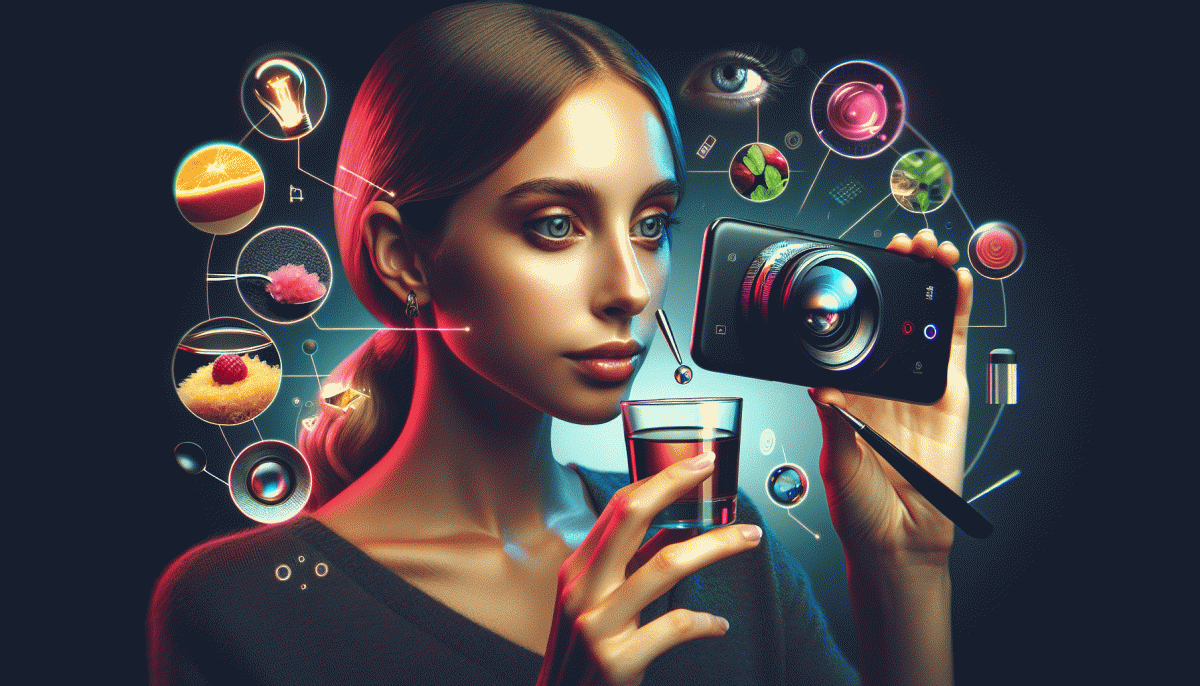
Visual Trends 2025: The Scroll-Stopping Secrets Making Social Explode
Hook in three seconds: Reels pacing that freezes the scroll
Three seconds is not a deadline, it is a tiny kingdom where attention lives — and your pacing is the crown. Start with one unmistakable visual beat, then push motion, pause, and surprise. Quick cuts raise curiosity; a brief hang on a face or product lets the brain file emotional metadata. The trick: design a micro-arc that makes viewers want to see the next beat.
Map the first three beats: second one is promise, second two is complication, second three is payoff. Use a faster first cut (0.3–0.6s) to arrest the scroll, a medium second shot (0.8–1.2s) to give context, and a slightly longer third hold (1.2–1.8s) that rewards attention. Add a subtle motion anchor — a hand, a moving light, or an incoming text bubble — so the eye has something to follow between cuts.
Apply these go-to pacing patterns to test rapidly and learn what freezes feeds:
- Lead: explosive opener with motion and high contrast to stop the thumb
- Hold: a slow, human moment that builds curiosity and trust
- Snap: a short payoff or reveal that resolves the mini-tension
Mix in audio hits exactly on cut points, favor raw reactions over polish for authenticity, and A/B short vs slightly longer first-hold lengths. Measure retention at 0–3s and iterate — small timing tweaks often double engagement. Make the first three seconds feel inevitable, and the rest of the reel will gladly follow.
Kinetic text and billboard fonts: captions that win with sound off
People scroll with the sound off and attention spans tuned to snack-sized stories — so your captions must carry rhythm, attitude, and clarity. Think of kinetic text as the voiceover for mute viewing: bold billboard fonts, tight line breaks, and motion that mimics speech can turn a thumb-stop into a follow. Keep phrases punchy, read-once friendly, and visually loud without shouting.
Start with type that reads at a glance: heavy, geometric display faces like Bebas-style or condensed grotesques, paired with generous tracking. Favor high contrast and short lines (1–6 words per frame). Use a consistent baseline grid so animated words feel anchored, not jittery. For color, pair your brand hue with a neutral background band so captions work over any footage.
Animate with purpose: entrance, linger, and exit timed to cuts or beats. Aim for 250–400ms for readable motion in “phrase reveals,” and add micro-pauses between cards to let eyes land. Use bold or color to highlight the verb or offer, not every word. Test on a small-screen preview — if your caption needs a pause to be read, it is too dense. Implement these rules and captions will do the heavy lifting for silent, scroll-driven audiences.
Lo fi luxury: 0.5x lens, flash shots, and handheld swagger
Think of lo fi luxury as the aesthetic that looks curated without trying too hard: a 0.5x wide frame that breathes, a brutal-on-purpose flash pop that creates texture, and a handheld swagger that keeps everything human. The trick is contrast — pair high-end styling with amateur edges so the result feels lived-in and coveted at the same time.
Shooting recipe: start wide to place the subject in context, then move in with a handheld push for motion and personality. Use flash to cut through soft, flat light and to highlight fabrics, skin, and reflections; do not overpolish the result. Add a little grain, nudge white balance toward warmth, and let imperfect framing tell the story.
- Rule: Prioritize authenticity — staged moments that feel spontaneous win attention.
- Tool: Use a cheap on-camera flash or phone LED for signature contrast.
- Tip: Shoot handheld and deliver a 0.5x frame plus a tighter handheld take for fast reels.
When posting, craft captions that are short, witty, and slightly aloof to match the imagery. Cross-post the wide, ambient shot to platforms that reward scroll-stopping thumbnails, and use the handheld close-up as the reel opener. Test one variant per week and double down on the combo that boosts engagement; lo fi luxury is as much a format as a look.
Duochrome gradients and micro color pops that make feeds glow
Think of duochrome gradients as mood rings for your feed: they shift with angle and light, catching the eye without shouting. Pair them with tiny, deliberate micro color pops — a neon tooth on a product shot, a luminous corner on a thumbnail — and suddenly the scroll becomes a double-take. This is visual shorthand for energy and modernity.
Start simple: pick two hues that sit opposite or slightly offset on the color wheel, then layer them with a soft angle and low-mid opacity. Let one hue dominate the background while the second acts as an accent. Use a neutral anchor (greys or desaturated skin tones) so the duochrome reads as a deliberate effect rather than noise. For motion, animate the shift very subtly to avoid seizure triggers and maintain shareability.
- Thumbnail: Add a sliver of duochrome at the image edge for instant contrast and higher CTR.
- Story: Use a micro pop on tap targets or stickers to guide attention and boost swipe actions.
- CTA: Accent buttons with a tiny duochrome glow to increase perceived clickability without ruining accessibility.
Micro color pops should behave like seasoning: a little goes a long way. Try 2–4px strokes, tiny radial glows, or 8–12% overlay patches on highlights. Keep contrast checks in mind so text remains legible; when in doubt, mute the background or increase the accent brightness. Test both static and looped micro-motions — often the moving micro-pop yields the biggest engagement bump.
Make this trend your lab: create three variants per post (neutral, duochrome, duochrome+micro pop) and run quick A/B tests. Track CTR, view duration, and saves. Small shifts in color can translate to big lifts; the secret is deliberate restraint and consistent experimentation.
AI assisted visuals: prompts to posts in minutes flat
You can go from concept to feed-ready visual in minutes when you treat generative AI like a fast, reliable sous-chef. Start with a single clear idea, lock a mood and an aspect ratio, and let the model do the heavy lifting. The smart move is to build a tiny repeatable playbook so each output already feels on-brand and platform-ready.
Make prompts that read like concise creative briefs: sensory cues (warm gold light, grainy texture), an action verb (hovering, exploding, leaning in), and a reference point (vintage pinup, low-poly game art). Add camera notes for realism and a short negative list to avoid glitches. Finish with cropping or safe-zone instructions so your overlays and CTAs do not get trimmed.
Three micro-prompts to spin up now:
- Focus: One-line concept + target emotion (e.g., "joyful street vendor, golden hour").
- Style: Art direction plus reference (e.g., "cinematic 35mm, high contrast, studio-grade bokeh").
- Finishing: Output rules (e.g., "16:9 crop, no text in lower 15% safe zone, remove watermark").
Speed hacks: batch generate 6 variants at once, keep a seed and parameter log, and save three template prompts for different campaign types. Use image-to-image for rapid variants, then do one lightweight edit pass for typography and branding. Having preset palettes and layout rules cuts decision fatigue and speeds scheduling.
Finally, treat each prompt like an experiment: post winners, swap headlines or color blocks for A/B tests, and scale what gets the best share and save rates. That way, prompt-to-post becomes a predictable growth lever instead of a creative gamble.
Read also
Visual Trends in 2026: Viral Visual Hacks Social Platforms Cannot Resist
Visual Trends in 2026: The Scroll-Stopping Looks Everyone Will Copy by Friday

Visual Trends in 2026: The Shockingly Simple Secrets Behind What Goes Viral on Social Platforms

Visual Trends 2026: Swipe Stopping Secrets for Instant Reach
Visual Trends in 2026: Steal the Viral Formula Social Feeds Crave