
Stories, Reels, or Shorts-Style: Pick One on Instagram and Make It Unmissable
The 15-second cheat to pick your winning format
Your 15-second cheat is less about format and more about what you want to do in those seconds. If you want algorithmic reach, go short and loud: a Reels/Shorts-style clip with a visual hook, jump-cut energy, and a single shouty idea. If you want interaction from people who already follow you, choose Stories and use polls, stickers, or a quick swipe CTA. If you need both, plan the 15s as a trailer that teases a longer Reel or drives followers into a Story sequence — think Swiss Army knife, not sledgehammer.
Make the pick in three quick questions you can answer in under 15 seconds: Reach: do you want strangers to discover you? If yes, favor Reels/Shorts.
Retention: do you need a conversation with followers? If yes, favor Stories.
Traffic: are you driving clicks or signups? If yes, use Stories with a direct link or an end-screen CTA in Reels/Shorts. These aren't rules, they're speed bumps—use them to steer, not to paralyze.
Match format to microcontent: compress a tutorial into a snappy 15s demo (Reels/Shorts), turn a behind-the-scenes moment into a candid Story, or record a 15s question clip that prompts UGC replies. Keep one clear objective per clip, one visual motif, and one verbal hook. Structure matters: immediate hook, one value beat, tidy exit. Repurpose each 15s cut across formats so one recording fuels Stories, Reels, and captions.
Execution checklist for your 15-second masterstroke: 3s hook, 7–10s value or show, 2–5s CTA; bold caption that repeats the offer; an attention-grabbing first frame for Reels/Shorts; and one metric to watch this week. Ship three variants (different hooks or endings), measure view-through and saves, then double down on the winner. Quick tests beat long debates — create, learn, and scale with a grin.
1-second hooks that freeze thumbs on Instagram
Think of the first second like a tiny movie poster: it either yanks thumbs down or nails attention. In that blink, you want a visual promise — a shape, face, or motion that asks a question and refuses to let go. Use fast contrast (dark-to-light, scale zoom), a human eye looking straight at camera, or a tiny, loud action on silence: the brain tags it as important and pauses the scroll.
Make the frame work hard: crop tight so the subject fills the vertical screen, add one bold word in big type that teases payoff, and start with movement that implies continuation (a hand reaching, an object popping in). Avoid slow pans; start mid-action. If you have a reveal, hide it visually but promise it with a micro-clue — curiosity wins over explanation in 0.5 seconds.
Sound and rhythm are cheat codes. A sync hit — a clap, a beat, or a voiced “wait” — locked to the first cut makes people stop even on mute (they still see the motion). Build a tiny loop: an opening motion that can repeat smoothly encourages replays, which Instagram loves. Keep color contrast high, reduce background clutter, and bias composition toward the top third where thumbs land.
Ship variations and measure quickly: test two first-second thumbnails, one with face + text, one with motion only. Track hold time and swipe rate, then fold winners into a template so you don't reinvent the hook every post. Lastly, write your caption like a one-sentence amplifier — the goal is to make that frozen thumb press play, not to explain everything up front.
No gear, no stress: shoot crisp verticals at home
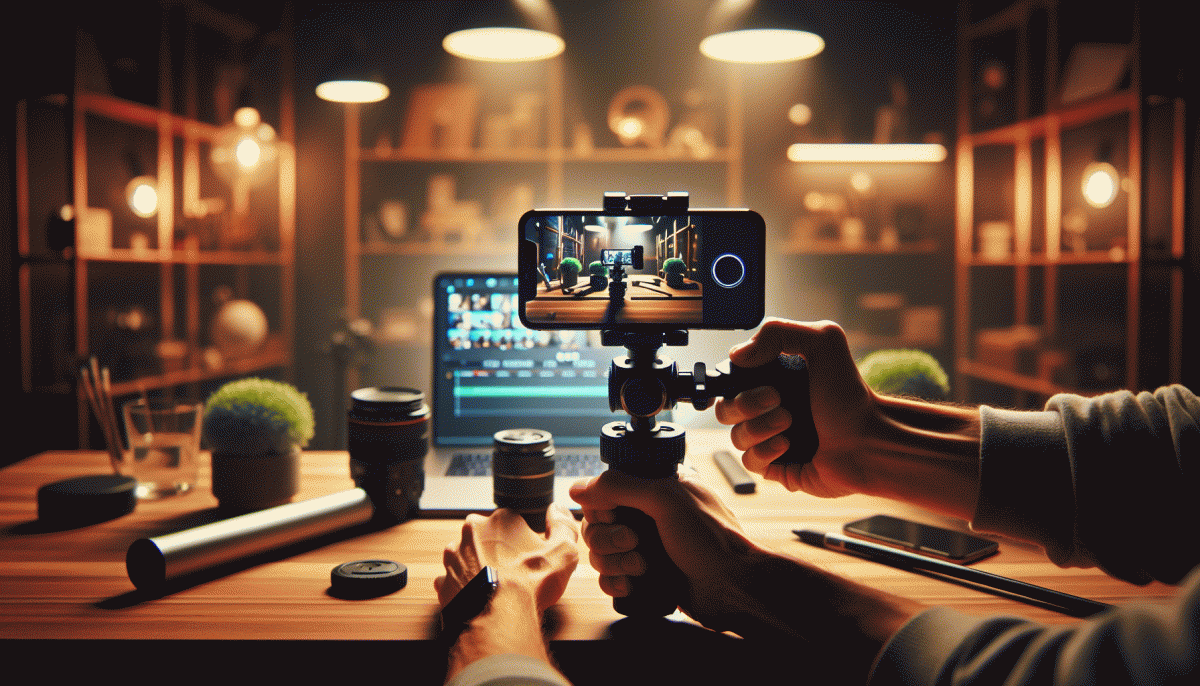
You do not need a rig or a studio to shoot attention-grabbing verticals — your phone, a few props, and a sprinkle of intent are enough. Think of your living room as a tiny set: pick one background, clear clutter from the edges, decide whether you want bright energy or cozy vibes, and run a quick test clip to check sound and motion before you hit record.
Lighting is the fastest upgrade: face a window for soft, flattering light, or bounce that sunlight with a cheap white poster board to fill shadows. For evening shoots, a desk lamp with a warm bulb works great when pointed through a thin white cloth to diffuse it. Keep light behind the camera so your subject does not turn into a mystery silhouette, and if colors look off, switch the white balance in your camera app.
Stability and audio matter more than megapixels. Brace your phone against books or clamp it to a chair for steady frames, or hold it with both hands and tuck elbows to your ribs. Turn on grid lines and lock exposure and focus so the app does not hunt mid-take. Avoid digital zoom and step closer instead; record voice with earbuds or a second phone and sync in the edit when you need cleaner sound.
Make every second count: open and close with movement, use foreground objects for depth, and give faces headroom in the frame. Capture multiple short clips from different angles — a candid close-up, a steady mid-shot, and a playful over-the-shoulder — and keep clips under five seconds to maintain momentum. Stitch them with punchy cuts, add a little color pop and a bold caption, and you have a thumb-stopping vertical.
Polish gets you noticed: tidy audio, crisp cuts, and consistent lighting turn home shoots into scroll-stoppers. When you are ready to amplify views without overthinking the backend, check out cheap smm panel to give your new verticals the nudge they deserve — then watch saves and shares climb.
Caption, sticker, CTA combos that trigger taps
Think of captions, stickers and CTAs as a tiny theater: the caption writes the script, the sticker is the prop, and the CTA cues the audience to clap. Keep captions punchy — one strong line, a hint of curiosity, and an actionable verb. Replace long sentences with a single imperative like Watch, Tap, or Save and pair with an emoji that pops.
Use contrast and urgency to steer behavior. A short caption that stops the scroll and ends with an open loop invites taps; a countdown or limited time cue turns interest into action. Social proof also matters: a tiny stat or a mini testimonial in bold builds trust faster than vague hype. Run quick A/B tests on caption length and CTA wording to see what actually moves the needle.
Stickers should not be decoration. Polls and quizzes convert passive viewers into active participants, the slider is perfect for emotional reactions, and question stickers invite replies that boost reach. Place stickers near the visual anchor so attention flows naturally from image to interactive element. For link CTAs, prefer clear prompts like Learn More or Open over vague copy.
Want templates to speed this up? Try a reliable resource for quick boosts like cheap smm panel to experiment with reach, then optimize creative based on real tap data.
Final micro formula to try: Hook — Value — Micro CTA. Example: "Hidden trick to beat the algorithm ? — Save for tonight — Tap to try" and then add a poll or swipe sticker. Iterate weekly and keep the tone human; small tweaks to caption phrasing or sticker placement often deliver the biggest uplift.
The rinse-and-repeat repurpose system for busy creators
Think of a rinse-and-repeat repurpose system as your content assembly line: film one smart piece, then slice, polish, and publish versions that match vertical snack times. The secret is batching—record once, edit in focused sessions, then let templates and presets do the heavy lifting so every Story, Reel, or Short feels intentional, not slapped together.
Start with a single long-form asset (a 3–10 minute tutorial, conversation, or demo). Mark the 6–8 "clipable" moments as you edit, export those clips in platform-specific aspect ratios, write two caption variants (short hook + longer context), and create a 3-second thumbnail or opening hook for each. Schedule posts in one go to avoid daily friction.
For distribution and to test what sticks, use a simple traffic and analytics helper like smm panel to compare reach quickly across formats, then double down on winners. Pair that data with native insights: which hook retained viewers for 3 seconds? Which caption generated comments? Treat metrics like a recipe — tweak salt, not the dish.
Automate repetitive edits with presets (color, crop, subtitles) and save three caption formulas you can tweak: curiosity hook, benefit-first, and micro-story. Keep a swipe file of one-liners and CTAs so you never stare at a blank caption field. Batch the same task — record one day, edit the next, caption and schedule on a third — and your output becomes predictable.
If you want a tiny checklist to start: film one long clip, extract five micro clips, add subtitles and a distinct opening for each platform, write a tight hook, schedule. Do that for four weeks and you'll have a month of content from four recording sessions. Repeat, measure, and watch momentum replace burnout.
Read also

Stories, Reels, Shorts: Pick One on Instagram and Make It Work—Here's the Strategy Everyone Else Is Missing

Stories, Reels, Shorts: Pick One on Instagram and Make It Work — The Only Choice That Pays Off

Pick One and Blow Up: Stories, Reels, or Shorts on Instagram?

Stories vs Reels vs Shorts on Instagram: The One Move That Explodes Reach
Stories, Reels, Shorts: The One to Bet on YouTube (And How to Crush It)