Never Go Cringe Again: How to Nail Instagram Live Every Time
Hit Go Live with a plan: 10-minute prep that saves your reputation
Think of the next ten minutes as a backstage sprint that turns panic into polish. Give yourself a tiny ritual: breathe for five seconds, set a one-sentence promise for the audience, and position the camera so your eyes land in the top third of the frame. That three-step habit makes you look intentional instead of awkward.
- Hook: Write a 15-second opener that teases a benefit and asks a simple question to pull people in.
- ⚙️ Setup: Confirm camera height, tap to focus, secure stable internet, and silence every notification device.
- Plan: Jot three beats: opener, a single demo or story, and a clear call to action with approximate timings.
Run a two-minute tech check: speak for 30 seconds to test audio, hold up a colored card for exposure, check battery or charger, and preview any media you will share. Keep your notes on one index card or the top of your screen so you can glance, not read. If possible, have a backup phone ready to restart quickly.
When you go live, lead with energy, smile, and use the index-card beats to steer the flow. If something goes wrong, acknowledge it with humor, fix or move on, and keep momentum. End with one clear next step and promise one tiny piece of value for followers who stay. Ten minutes of prep buys you credibility for the whole stream.
Grab attention in 5 seconds: openers that stop the scroll
Five seconds is not a grace period; it is your headline. Start with motion, a startling stat, or a prop that moves toward the camera. A quick sound cue or a face-to-camera eyebrow raise converts a casual scroller into a real viewer. Keep clothes, lighting, and background simple so the opener reads instantly.
Try these literal openers as-is: "Stop scrolling—this one trick doubled my live engagement in 7 days." Say, "Quick test: can you tap the screen if you are on live?" Or open with intrigue: "I was wrong about Instagram Live until this happened." Deliver each line with an immediate close-up and a beat of silence.
If you want plug-and-play openers plus a small traffic nudge, grab templates and fast boosts at get Instagram views fast. Use the link opening as a rehearsal: film the first five seconds three times and pick the tightest take.
Practical checklist: frame your face at 30 percent rule, check audio on headphones, move something in the first second, and call for a tiny action (tap, comment, heart). When a take feels awkward, trim to the strongest two seconds. Remember: if you stop the scroll, you control the rest of the show.
Look and sound pro: lighting, angles, and audio with gear you already own
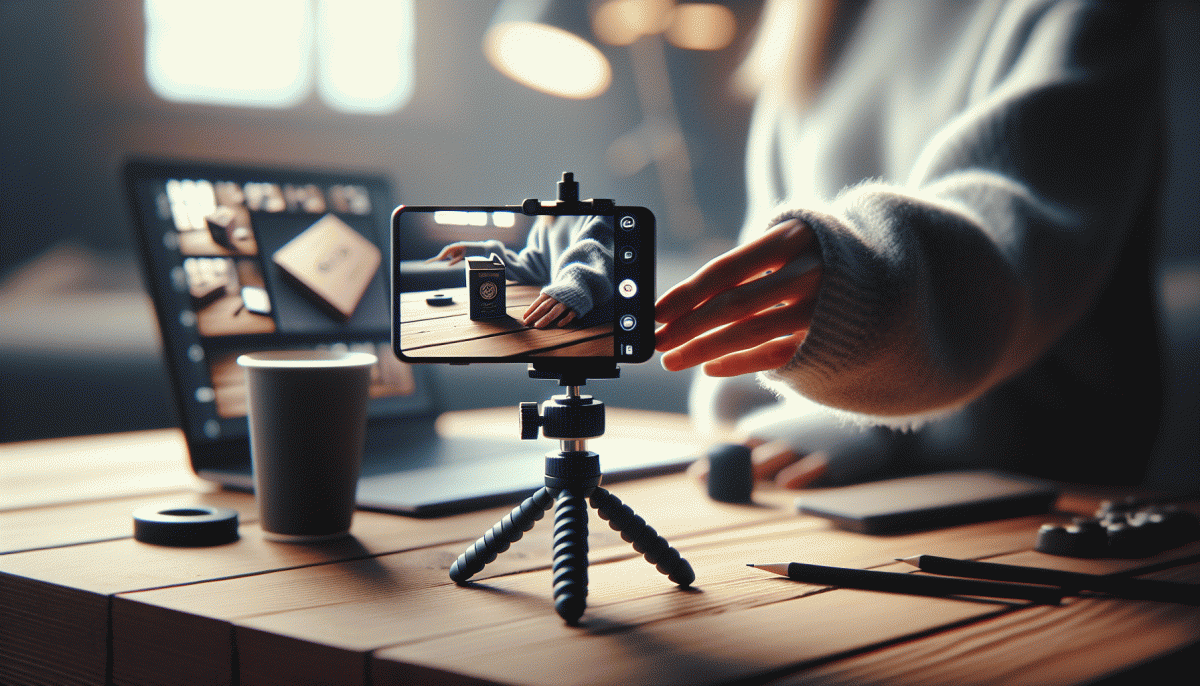
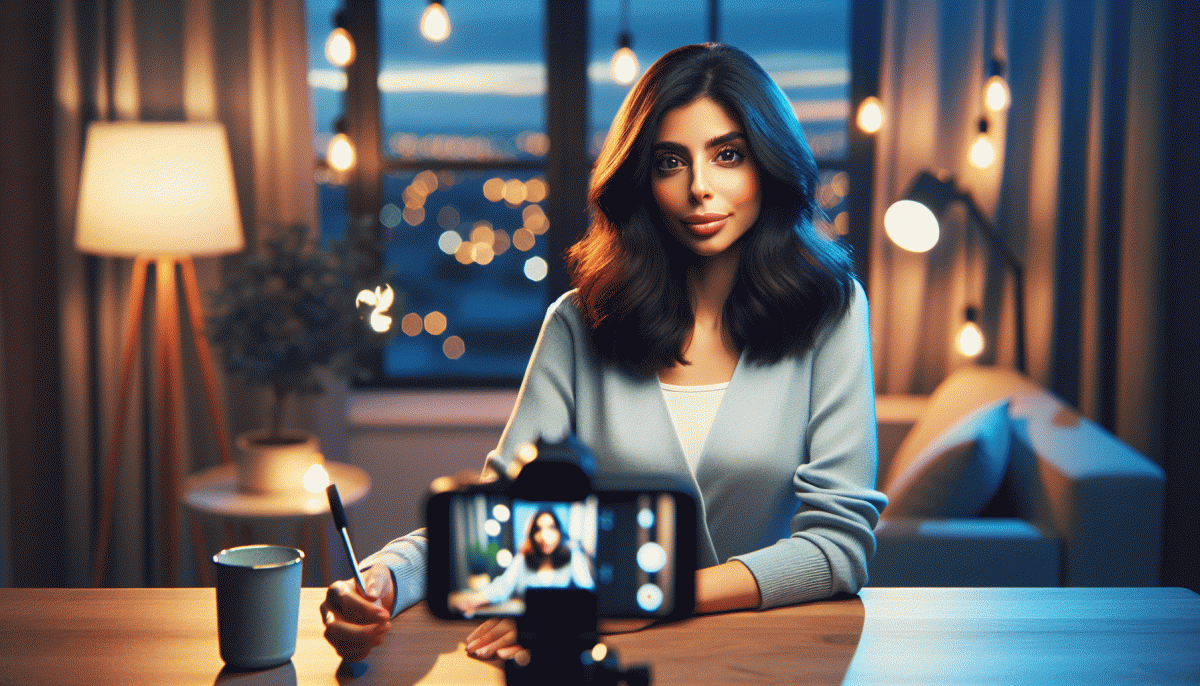
Small swaps turn casual streams into polished shows. Start by making your phone or laptop the director: put the camera at eye level, clean the lens, and frame yourself slightly off-center so your face has breathing room. Lighting and sound are the two things viewers notice first, and you can fix both without buying a thing.
Use natural light like a cheap softbox: face a window for even, flattering illumination. If sunlight is harsh, diffuse it with a white curtain, sheet, or baking parchment taped to the frame. Avoid direct overhead lights that cast shadows; if one side looks darker, reflect light back with a white binder, poster board, or even a reflective baking tray.
Angles matter more than camera quality. Prop the device on books or a coffee table to hit eye line; tilt it slightly down for slimming and up only if you want a superhero vibe. Keep the background simple, remove clutter, and add a glow with a small lamp behind you to separate you from the wall.
Audio is the secret pro sign. Keep the mic close — phone mics sound best within a foot — and wear earbuds or a headset to avoid echo. If you have wired earbuds with a built-in mic, plug them in; if not, pull cushions and rugs into the room to dampen reverb. Test a 30-second clip before you go live so you know how you will sound to viewers.
Finish with a quick checklist: clean lens, eye-level camera, window light or diffuser, mic close, and one test run. These tweaks are low-effort, high-return: you will look sharper, sound clearer, and feel more confident. Try them tonight and watch your stream move from distracted to must-watch.
Keep the room buzzing: comment mods, troll control, and zero dead air
Think of your live as a high-energy party where the host sets the vibe. Before you go live, appoint two trusted moderators and give them three clear powers: delete, mute, and pin. Create a short moderation script — a couple of lines they can paste to defuse arguments or eject trolls — and set chat to slow or followers-only when the crowd gets rowdy. This reduces noise and keeps conversations meaningful.
Use the platform tools like comment filters and pinned prompts to steer discussion. Pin a welcome question or a rule reminder so newcomers know what's expected; rotate pins every 10 minutes to avoid stagnation. Teach mods to amplify good contributions: spotlight smart questions, call out usernames, and reward helpful commenters with shoutouts or quick on-air reactions.
When trolls show up, don't improvise. Apply a simple three-strike policy: warn, mute, ban. For repeat offenders, move to instant removal and lock comments if needed. Encourage mods to handle conflicts off-stream and to use canned replies that sound human, not robotic — wit and brevity win. If something escalates, cut it off fast and keep the audience informed without lingering on drama.
Finally, eliminate dead air with tiny predictable beats: a 60-second Q&A loop, a "micro-demo," or a backup playlist for transitions. Keep a queue of icebreaker questions and one pre-recorded clip to drop when you need a breath. These micro-structures let you flow naturally, keep energy high, and make every minute of your stream feel intentional.
Make it pay: CTAs, replays, and repurposing that converts
Treat every Instagram Live like a mini campaign. Pick one clear outcome and build the show around it. Make the CTA simple and repeat it three times: once in the opener, once before a natural break, and once in the last minute. Use short, specific language such as Sign up for the waitlist, Shop the drop, or DM for the link. When the CTA is obvious, viewers know what to do instead of zoning out.
Replays are where the real conversion happens. Save the replay and trim to the tight version that opens with the hook. Add a pinned comment with timecodes and a single action line like Link in bio to get access. Turn the full recording into a captioned IGTV or saved post so latecomers can discover the content. Highlight top moments in Stories with direct swipe prompts or in a pinned post so the pathway from watching to buying is friction free.
Repurposing multiplies reach without extra brain cells. Pull 15 to 60 second clips for Reels and Shorts that start with the punchline, add subtitles, and end with the CTA adapted for that platform. Convert key quotes into visual quote cards and short audiograms for feeds and email. Tailor the CTA: a Reel might say Watch full replay, a Story can use Swipe up style language, and a DM-friendly clip can invite one to Message for details.
Finish with a lightweight workflow: publish the trimmed replay within 12 hours, post three short clips within 48 hours, and follow up with a DM or email sequence for new signups. A simple KPI to track is views to click ratio; if it is low, swap the CTA copy and test a second version next stream. With consistent CTAs, smart replay edits, and fast repurposing, monetization becomes routine rather than accidental.
Read also

Go Live on Instagram Without the Cringe: Steal These Pro Tricks to Wow Viewers

Instagram Live Without the Cringe: The Unfair Playbook They Don't Want You to Use

Go Live on Instagram Without Cringe: The Shockingly Simple Playbook

You’ve Been Doing Instagram Live Wrong—Do This Before You Hit ‘Start’

Live on Instagram Without Embarrassment: Pro Secrets That Actually Work