Live Content Done Right on LinkedIn (Without Embarrassment): 7 Secrets They Won’t Tell You
Press Go With a Plan: A 10‑minute run of show that keeps you calm and captivating
Think of this as a ten minute stage map that replaces panic with presence. Start by deciding the single promise your audience will walk away with, then chop the time into bite size moments that build energy instead of fuzzing the brain. The whole goal is to look composed while being interesting, not robotic or rehearsed to death.
Use a tight three part spine to keep you anchored:
- Hook: 0-90 seconds — a sharp opener, one surprising stat or a short story to magnetize attention.
- Core: 90 seconds-6 minutes — two clear takeaways, one live demo or example, small visual cue for each point.
- Close: 6-10 minutes — quick Q A or a single poll, restate the promise, and a direct next step for viewers.
Tech and flow beats improvisation. Five minute pre show checklist: camera framing, mic test, internet check, a spare device logged in as backup, and a visible timer. Assign one person, or a sticky note to yourself, to call out time at 6 minutes and 9 minutes so you never lose pacing. Rehearse the spine once out loud and time it.
Keep the room alive with small moves: name a commenter, ask a binary poll, drop one juicy quote on screen, pause for effect, and smile. Use simple signposts like "first takeaway" so people can follow even if they join late. End with a clean CTA and a warm thank you. Quick checklist, calm breath, go do a short live that actually lands.
Lights, Camera, Credibility: Simple tech that flatters you even on a laptop webcam
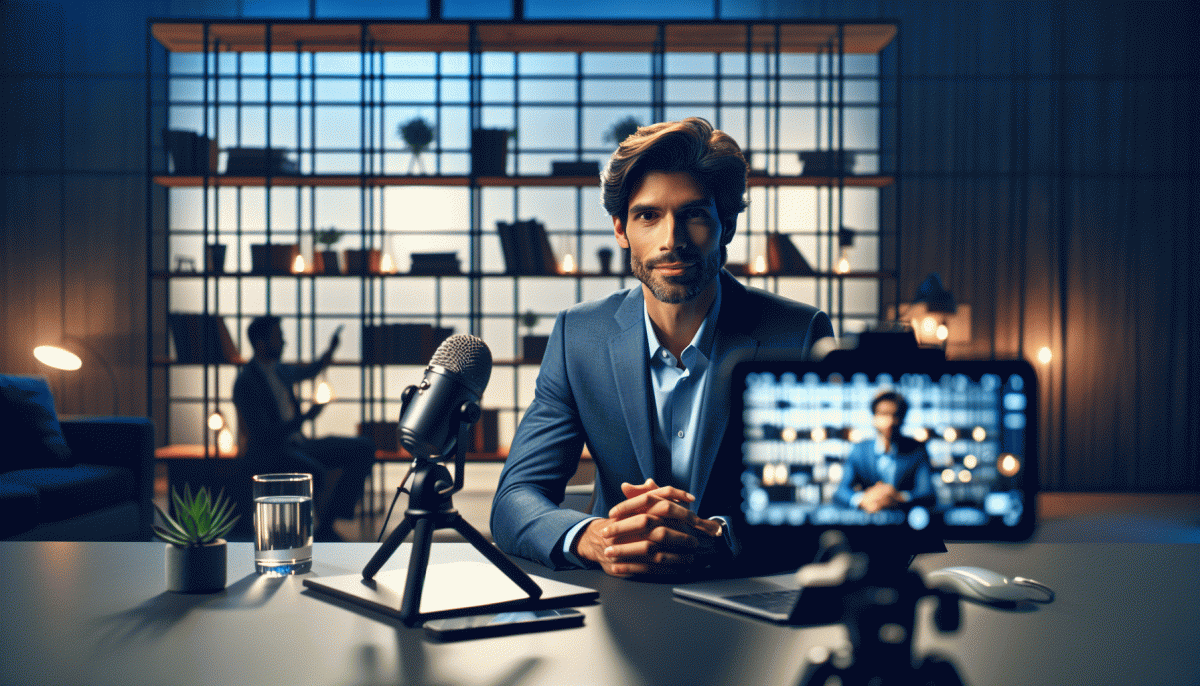
Forget fancy rigs — flattering live video is mostly about a few habits you can fix in five minutes. Raise your laptop so the camera sits at eye level (books, a sturdy box, a monitor riser). Sit slightly farther back than you think; a little distance avoids the unflattering wide-angle face distortion. Frame yourself using the rule of thirds: eyes about one-third down from the top of the frame keeps you engaged and professional.
Lighting is the biggest bang for your buck. Face a window when you can, but avoid harsh direct sun; diffuse it with a white curtain or sheet. If windows aren't an option, a small ring light or adjustable LED panel in front and slightly above you will flatten shadows and add a catchlight to your eyes. Turn off intense backlighting and lock exposure in your webcam software so you don't shift between bright and dim mid-stream.
Audio trumps video for perceived quality. A simple USB mic or lavalier makes you sound clearer and increases trust. Place mics close to your mouth, mute notifications, and monitor with headphones during rehearsals. Even inexpensive pop filters or a foam windscreen cut room noise and breath pops dramatically.
Background choices influence credibility. Keep it tidy, add a plant or a bookshelf for depth, and avoid busy posters. Slightly separate from the wall to create natural background blur if your webcam supports it, or use a subtle backdrop rather than a loud virtual one. Use your webcam's settings—disable auto white balance or exposure if they hunt mid-stream.
Before you go live, do a 60‑second test recording: check framing, audio levels, lighting, and wifi. Create a simple kit: riser, affordable light, USB mic, and a charger. With that five‑minute setup and one test, you'll look and sound like you meant to be there — confident, clear, and unembarrassed.
Hook ’Em in 8 Seconds: Openers that stop the scroll and spike live retention
Stop thinking attention is earned slowly — LinkedIn live lives or dies in the first 8 seconds. You do not need fireworks; you need a clear, bite-size signal that says: "Keep watching — you will get X now." Start by stating the outcome, the surprise, or the problem in one breath. Example: "In the next 12 minutes I will show one tweak that doubles comment rate — no ads." Short, specific, measurable.
Scripts beat anxiety. Memorize three openers you rotate depending on audience: a promise opener, a curiosity opener, and a rapid-fire question. Keep each under 12 words and deliver them within the first two beats on camera. Say them with movement — step forward, raise a hand — so the feed thumbnail animates. Use direct addressing like "Calling all hiring managers" to pull eyeballs faster than a generic "hey everyone."
Here are three opener types to keep in your pocket:
- Promise: Tell a concrete, immediate benefit — "One tactic to double replies in 7 days."
- Shock: Drop a short counterintuitive stat or claim that forces a double-take.
- Question: Ask a tiny, relevant yes/no question that invites an instant mental yes.
Do not forget the visual hooks: bright top-third text, a 2-second zoom-in, and an on-screen caption that repeats your opener. Many watch without sound, so make the first sentence readable in the thumbnail. Pin a one-line welcome comment as soon as you go live; it converts browsers into participants. Measure retention at 8, 30, and 60 seconds — if your 8-second cliff is steep, swap the opener and retest. Treat openers like micro-products: short, tested, and optimized until they stop the scroll every time.
Chat Like a Pro: Engagement prompts that kill awkward silences and spark DMs
Silence on a live stream is the social equivalent of elevator music—awkward and forgettable. Arm yourself with tiny, high-energy prompts that feel human not scripted. Think curiosity starters, mini polls, and friendly provocations that invite a one-word reaction or a quick DM rather than a long monologue.
Quick openers: "Who tuned in from {city}?"; Reaction hooks: "Hit ? if this made you rethink X"; Micro-choices: "A or B — tell me in the chat"; DM bait: Text me the word INSIDER for the full checklist. Rotate these every 5–10 minutes so chat gets used to contributing.
Use prompts as strategic beats. Drop one right after a useful takeaway, then pause for seven to ten seconds. If the room is quiet, repeat the question with a narrowing hint to make replying frictionless. When someone answers, name them and build — people follow engagement they see rewarded.
Friendly follow-up: "That is helpful — mind if I ask one quick thing?"; Value offer: "I can send a 2‑minute tip that solves this — want it now?"; Resource nudge: "I have a template that helps with that, shall I DM it?" Keep DM scripts short, personal, and immediately useful.
If you need more initial eyeballs so your prompts land and DMs actually start flowing, consider boosting early viewership. Learn options at get YouTube live stream views today and use that momentum to prime chat and spark real conversations.
Save the Replay, Win the Week: Repurpose your live into five high‑performing posts
Think of your replay as the mother lode you ignored during the live: one hour of real talk becomes five snacks people actually click. Start by skimming for moments that land — anecdotes, jaw-dropping stats, or a framework you explained clearly. Harvest those and resist the urge to post the whole video again; microcontent outperforms long-form when attention is short and LinkedIn feeds are long.
Create five distinct posts from the replay so each audience touch feels fresh: Highlight clip: a 30–60s cut of the best story; Carousel: 5–7 slides that turn your demo or framework into a visual how‑to; Pull-quote image: bold text over a snapshot for shareable opinion; Mini-article: 300–500 words that expands on one point with timestamps; Engagement prompt: a short post or poll that asks for people's experiences tied to the replay.
Practical workflow: timestamp while watching once, export five short clips, grab three quotable lines, and drop them into a template deck and caption sheet. Use auto-subtitles for videos, tailor captions to native LinkedIn voice, and save assets in one folder named with the replay date. Doing this in a one-hour edit session gives you five days of ready-to-post content.
Schedule the posts across the week for variety — clip on day one, carousel midweek, quote on Friday — and track saves, comments, and DMs rather than vanity likes. Iterate: if the carousel gets most saves, make your next live with more skimmable frames. Turn one live into a week of wins, and your feed will start to look like polished strategy, not chaotic livestream leftovers.
Read also

Live on Instagram Without Embarrassment: Pro Secrets That Actually Work

Instagram Live Without the Cringe: The Unfair Playbook They Don't Want You to Use
Go Viral Fast Without Ads: The Social Growth Playbook They Won't Tell You About

Go Live on Instagram Without the Cringe: Steal These Pro Tricks to Wow Viewers

Go Live on Instagram Without Cringe: The Shockingly Simple Playbook