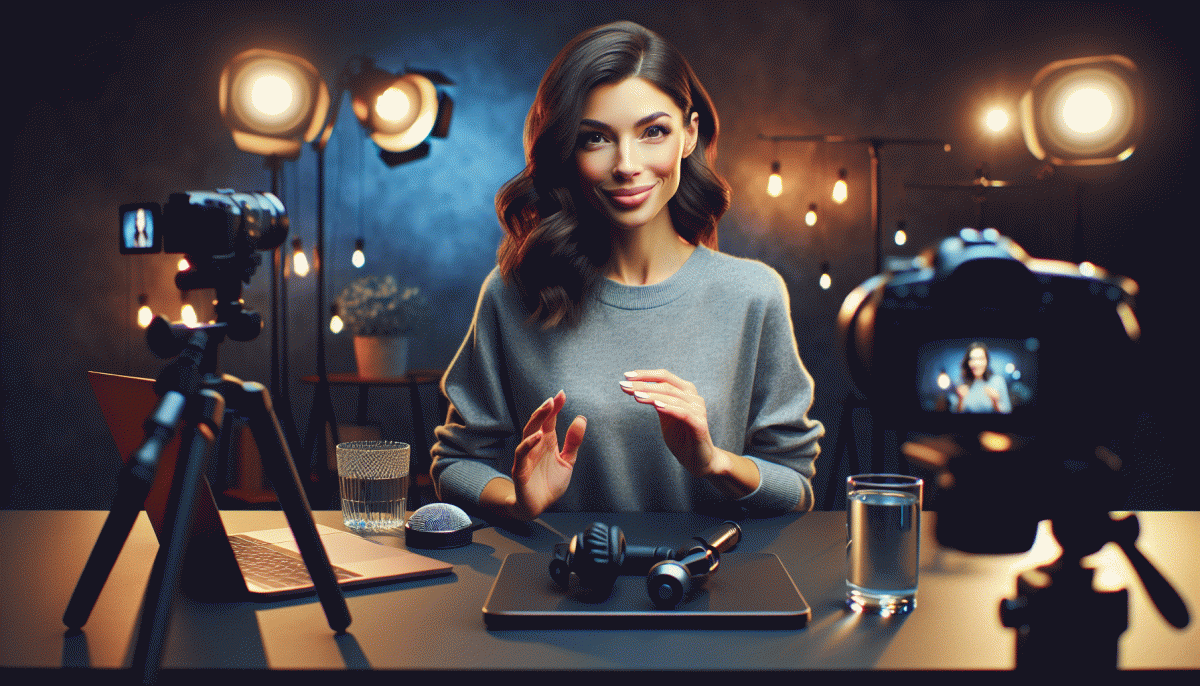
Live Content Done Right on Instagram (Without Embarrassment): The Surprising Playbook Pros Use
Hit Go Live with confidence: a fast preflight to banish awkward pauses before they happen
Treat your pre-show like a pilot's preflight: a tight, repeatable routine that swaps sweaty silences for polished momentum. In two minutes you can align camera, mic and intent so the start of your stream sounds deliberate, not improvised. The goal: remove the first awkward 30 seconds and replace it with a confident hook that feels easy to deliver.
Run this fast checklist right before you go live.
Audio: quick record and playback on headphones; lower mic gain if you hear clipping.
Lighting: face-forward light, not window-backlit.
Framing: crop to show head and shoulders; eyes roughly one-third from the top.
Hook: write a 10-word opener and pin it where you can glance.
Have a 3-sentence micro-script for your first 90 seconds: who you are, what value is coming, and the action you want (comment, save, follow). Prepare two fallback prompts to ask the chat and a safe buffer line to buy time if your brain stalls: short, human and unscripted works better than a stalled monologue.
Final tech touches: enable Do Not Disturb, close background apps, plug in power, and keep a backup device ready. If possible, add a moderator to call out comments so you can focus. Do a silent 30-second runthrough — then smile, hit Go, and let the preflight do its work.
Open strong: five irresistible hooks that keep viewers past the first sixty seconds
You have sixty seconds to convince someone to stay on a live stream. Use the opening to promise value, shock expectation, or invite immediate action. Here are five irresistible openers pros deploy to stop scrolling thumbs and build instant trust.
Immediate payoff: Lead with a tiny win viewers can use before the ten minute mark. Say the concrete result, show the proof, then tease a deeper version later. Fast value seeds loyalty and prevents midroll bailouts.
Flip the expectation: Start by disproving a common tip or myth, then reveal how your approach actually works. The cognitive mismatch sparks curiosity, and if you prove it within sixty seconds viewers will keep watching for the how.
Visual dare: Use bold motion, a loud prop, or a rapid before and after that reads on mute. Many viewers scroll with sound off; make the first frames speak visually and tie the stunt quickly to the lesson.
Call the crowd: Open by naming a tight niche pain point or audience and promise a single fix. Saying who the stream is for converts lurkers into learners because people stick with content that addresses them.
Micro challenge: Give a 15 to 30 second task they can try right away, then invite results in chat or via reactions. Interactivity locks attention, creates momentum, and gives you user generated material to work into the rest of the broadcast.
Look and sound crisp: quick lighting, framing, and audio wins on a budget
Light like a pro: Use the sun as your free studio. Face a north or east window for soft, even illumination and schedule lives when that light is flattering. If window light is too harsh, diffuse it with a sheer curtain or a white shower curtain clipped to a frame. For a practical three point setup on a budget, swap a second window or LED desk lamp as a fill and put a warm lamp behind you for separation.
Frame for attention: Instagram lives are typically vertical, so own the portrait crop. Put your eyes near the top third of the frame and leave comfortable headroom so gestures do not get chopped. Keep the camera at eye level using a cheap tripod or stacked books and lock the orientation so the phone does not rotate. Declutter the background or add shallow depth with a lamp or plant to keep the eye on you.
Sound that does not distract: Audio wins over video for engagement, so prioritize it. A $20 lav mic or a small shotgun mic aimed at your mouth will outperform the phone mic. Close doors, add soft textiles to cut echo, and run a quick 10 second test recording with headphones to check levels. Keep the mic cable out of frame and get the phone close enough to capture clean dialogue without clipping.
Quick preflight checklist: toggle Do Not Disturb, test framing and audio, match white balance across lights, lock exposure on the camera app, and save a short rehearsal clip. These five minutes save embarrassment and generate confident, crisp live sessions that feel professional without a pro budget.
Chat like a host, sell like a friend: prompts, polls, and CTAs that feel natural
Think of your live as a smart party host who remembers names and never pushes a sale. Start with tiny, disarming prompts that invite participation: a two word opener that asks a simple preference, a playful challenge that asks viewers to type an emoji, and a quick poll to lock in momentum. These micro moves keep energy up and make any segue into a product mention feel like a natural next topic, not a commercial interruption.
Use short, repeatable prompt formulas so your delivery is relaxed instead of scripted. For example, Open: "Which would you pick, A or B?" Reengage: "Type ? if you want to see this in action." Sneak Tease: "Want the link after the demo? Say YES in chat." Say these lines with the same warm cadence you would use when showing something cool to a friend. The familiarity makes people more likely to respond and to trust your recommendation.
Craft CTAs that reward participation rather than demand attention. Soft CTAs work best: "Vote now and we will share the discount code at 200 votes." Use a two step CTA: first get a micro-commitment via poll, then follow up with a pinned link or swipe. Pin one clear CTA for the whole stream and repeat it twice in natural moments: once after a demo and once before wrap. When the ask feels reciprocal, conversion follows without cringe.
Finish with a simple flow checklist you can memorize: warm opener, first poll at minute three, demo, reaction prompt, pinned CTA, and friendly DM follow up to anyone who engages. Small signals like calling out a commenter by name or reading a short testimonial transform cold viewers into participants. Practice these beats and your next live will feel less like a pitch and more like a great conversation that happens to sell.
After the stream: repurpose one live into a week of posts, clips, and emails
Treat one Instagram Live like a launchpad, not a single performance. When you plan to repurpose, you stop worrying about every second and start harvesting the best moments: a teaching nugget, a short story, and a clear call to action. Those three moment types become the raw ingredients for a week of different posts that feel fresh.
First task: timestamp and clip. Watch the replay and mark 3 to 5 timestamps that map to the nugget, story, and CTA. Export 15 to 60 second vertical clips with big captions and a punchy opening frame. Short clips become Reels and short videos in the feed; the same clip with a different cover and caption can be a Story highlight.
Next, turn the meat of the Live into a carousel. Use 3 to 5 slides: problem, quick demo, outcome, and one slide with next steps. Keep captions swipe-friendly: hook, one-line context, micro takeaway, and a single CTA like Save, DM for the guide, or Watch Full Replay. Then convert pull quotes into Story images with a poll or question sticker to drive engagement and DMs.
Don’t forget email. Draft three short emails: Day 1 highlight reel with a subject like "Missed last night? Top 3 wins inside", Day 3 follow up with a value snippet and CTA, Day 6 a scarcity nudge or recap. Copy the timestamps into bullets so readers can jump to exact moments in the replay.
Finally, batch your schedule and automate. Slot clips, carousel, Stories, and emails across seven days with one CTA thread that evolves from learn to act. This workflow lets you get maximum reach with minimal extra work, turning one good Live into a week of content that actually converts. ?
Read also

Instagram Live Without the Cringe: The Unfair Playbook They Don't Want You to Use

Live on Instagram Without Embarrassment: Pro Secrets That Actually Work

Go Live on Instagram Without Cringe: The Shockingly Simple Playbook

Go Live on Instagram Without the Cringe: Steal These Pro Tricks to Wow Viewers

How to Go Viral on TikTok Without Paying for It: steal the playbook pros use
