Live Content Done Right on Instagram (Without Embarrassment): Steal These Pro Secrets
Prep Like a Pro: A 5-Minute Run of Show That Saves You From Awkward Silences
Five minutes is all it takes to banish awkward silences—start by setting a 5-minute timer and one clear goal: entertain, teach, or sell. Use the first sixty seconds to do audible tech checks (mic, lighting, camera angle) and announce the hook. Saying your checklist out loud turns the audience into accomplices, not witnesses.
Run it like a tiny show: 0:00–1:00 — warm greeting, name-check, tease the takeaway. 1:00–3:00 — deliver the golden nugget with a single example. 3:00–4:00 — prompt the chat with one actionable question and invite reactions. 4:00–5:00 — quick Q&A, repeat the CTA, and signpost next steps.
Keep three fallback moves to kill silence: a canned story, a repeat of the example, and a visual you can drop into the stream. If nothing shows up, say a bridging line like "Quick tip while you wait" and shift to a prepared 20–30 second demo or image. Pin a comment to hold attention while you regroup.
Do a single run-through before you go live and save this template in your notes. Practicing once makes you feel spontaneous instead of awkward, and gives you a reliable ending cue so you never fumble the close. Use this tiny rehearsal to look polished, stay present, and move viewers to the next step without sounding pushy.
Look Sharp Fast: Camera, Lighting, and Audio Tweaks That Wow on a Phone
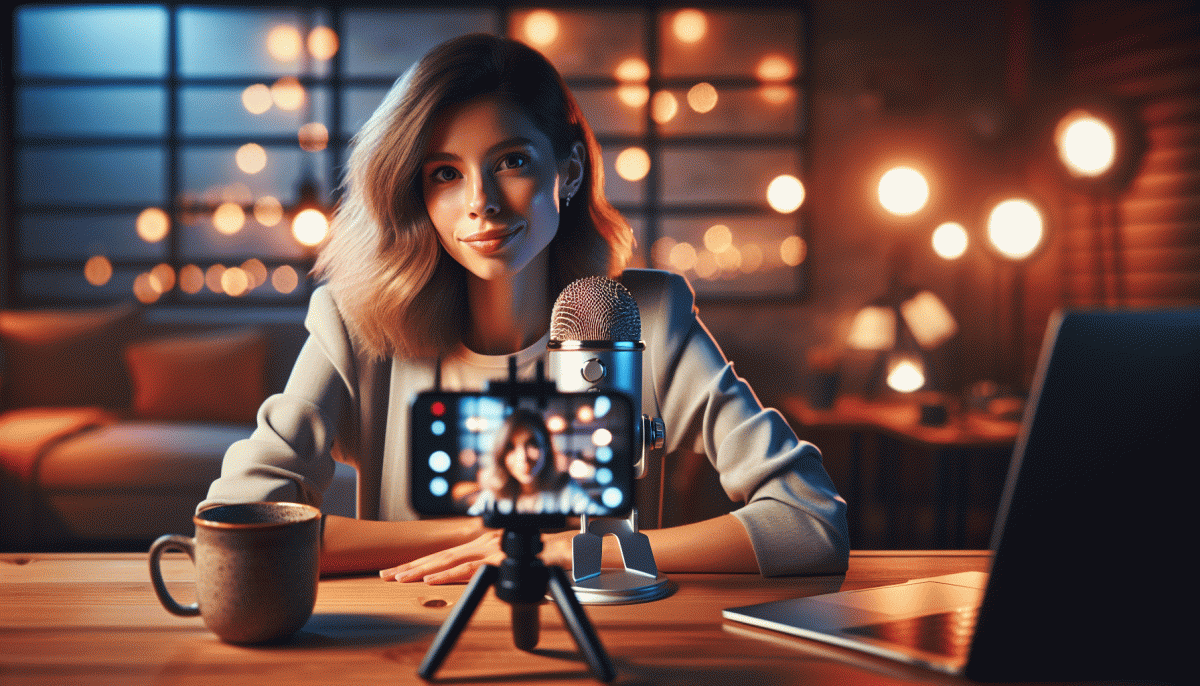
Small, smart tweaks turn a tasty idea into a believable live performance. Start by raising the phone to eye level, clean the lens with a microfiber or shirt corner, and use the grid to keep your eyes on the upper-third intersection. Choose landscape for groups, portrait for single talking-heads, and stop using digital zoom—move the phone or crop in post. Lock exposure and focus (tap-and-hold on most camera apps) so your face won't turn into a blinking mystery when the sun sneezes.
Here are three micro-hacks that fix most disasters in under a minute:
- Stabilize: Tripod or a stack of books + a rubber band; push the timer or use a remote tap to avoid shake.
- Light: Face a window or use a soft lamp; diffuse harsh bulbs with tissue or tracing paper for flattering, even skin tones.
- Audio: Clip-on lav or wired headset mic > phone mic; keep it 4–8 inches from your mouth and mute noisy apps.
Dig a little deeper: avoid mixing daylight and tungsten; pick one and white-balance to it. Bounce light with a white sheet or reflector for catchlights, and use a tiny LED panel at low brightness if your room is dim—warm it up with a sheet to avoid that fluorescent hospital vibe. On the camera, reduce exposure if highlights clip and enable gridlines to keep your framing clean.
Finally, run a 30-second pre-live checklist: clean lens, lock AE/AF, cuff mic placement, check levels with headphones, and take a 10-second test clip. Those tiny rituals keep awkward surprises off-screen and your viewers focused on the message—not the tech hiccups.
Hooks That Hold: Openers That Stop the Scroll and Keep Viewers Watching
The first few seconds are a tiny theater: a visual hook, a voice cue, and a promise. Start with one clear idea and make it impossible to ignore. Use a surprising image or motion in frame, then drop a short spoken line that teases a payoff. Keep it specific and time-bound so viewers feel the cost of leaving: they must stay to get the full value.
Openers that work are built from simple beats: Curiosity + Benefit + Deadline. Try a quick formula like "What if you could X in Y minutes?" or "Stop scrolling if you want to save Z." Pair that with on-screen text and an intentional sound or cut. Keep sentences under seven words and deliver them like a headline, not a lecture.
Edit for tempo. Switch angles or crop tight after your first line, add a one-second beat of silence or a drum hit, then jump into the content. Tease the reveal early: say "Stay until the end for the shortcut" and show a subtle countdown or progress cue so retention becomes a habit for viewers. Use contrast — loud, then soft; close-up, then wide — to reset attention.
End your opener with an invitation that creates small investment: ask one focused question and tell viewers where to reply, or promise a bonus at a timestamp. A plug-and-play live opener: "Quick demo in 60 seconds: watch how I fix X." Say it, show it, deliver it. Repeat this blueprint and the audience will learn to stick around.
Chat Without Chaos: Smart Ways to Handle Comments, Trolls, and Tech Hiccups
Think of the chat as part of your stage design: give it structure and make it useful. Start every stream with a pinned comment that outlines the vibe, rules, and where people can ask questions — that tiny anchor alone cuts down chaos. Assign one or two moderators before you go live and give them a short checklist: highlight great comments, flag repeats, and nudge the convo back on topic when it drifts into meme-hell.
Trolls are attention parasites; starve them. Ignore the urge to clap back and use the tools Instagram gives you: block, restrict, and the keyword auto-hide. For borderline cases, have a calm, scripted line moderators can paste so you never react emotionally on the fly. When spam floods in, flip comments to followers-only or enable slow mode for a short reset — breathing room matters.
- Slow: Turn on slow mode for short bursts to control pace and let your team catch up.
- Automate: Use keyword filters or a simple bot to auto-hide slurs and repeat spam before they derail the stream.
- ⚙️ Backup: Keep a second device and a hotspot ready so you can swap in under a minute if your main feed chokes.
Technical hiccups are inevitable, so rehearse graceful failure. Have a two-line “glitch script” that explains what happened, what youʼre doing, and an entertainment fallback like a quick Q&A or a shoutout round. Keep chargers, cables, and a quick bitrate checklist by your setup. With these rituals and a calm moderator team, chat becomes a superpower instead of a liability — and you get to focus on the show, not the drama.
From Live to ROI: CTAs, Replays, and Clips That Convert
Turn your live sessions into predictable revenue by treating them like mini-campaigns: a clear CTA, a tidy replay, and snackable clips that keep selling after the lights go out. Small, pre-planned moves prevent on-air floundering and make conversion the natural next step.
- Hook: Lead with a 10–15s benefit that answers "What's in it for me?" and teases the outcome.
- Offer: Present a simple, time-bound incentive and an obvious next step—no more than two actions.
- Replay: Cut a 15–30s highlight with captions and a CTA so it can live as a Reel or pinned clip.
Write CTAs like headlines: concise, outcome-led, and actionable. Try templates: "Tap the link to grab X," "DM 'YES' to reserve," or "Comment 'I want' for the 24‑hr discount." Place one CTA in the first 30s, repeat in the last 30s, and pin it as the top comment.
For replays and clips, add chapter timestamps in the caption, burn captions into video for sound‑off viewers, and create a bold cover image. Repurpose the same clip across feed, stories, and ads—each format needs a slightly different crop and caption emphasis.
Measure what matters: views → clicks → conversions. A/B test two CTAs, swap thumbnail images, and promote the best-performing clip as a paid boost. Keep it low-drama, high-conversion: plan, clip, measure, repeat.
Read also

Go Live on Instagram Without the Cringe: Steal These Pro Tricks to Wow Viewers

Live on Instagram Without Embarrassment: Pro Secrets That Actually Work

Still Crushing Instagram Without Ads? Steal These Organic Tactics

Steal These Instagram 2026 Secrets: What Works Now (and What to Ditch)

Instagram Live Without the Cringe: The Unfair Playbook They Don't Want You to Use