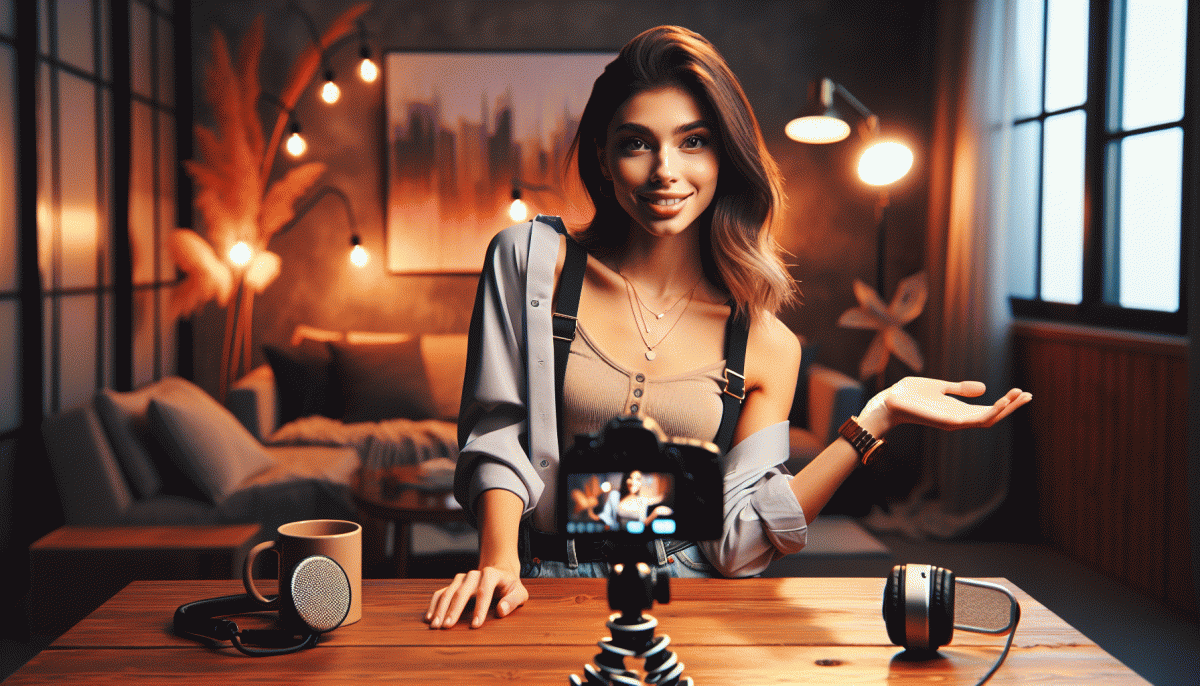
Go Live on Instagram Without the Cringe: The Foolproof Playbook
Pre-Game Like a Pro: A 10-Minute Checklist That Prevents On-Camera Awkward
Think of this as a focused 10 minute warmup that converts jittery starts into smooth momentum. Begin with a deliberate breath and a one sentence intent for the stream so everything you say pulls back to that idea. Smile, even if it feels slightly silly; the face sends energy to the voice and makes you sound more natural than scripted.
0–2 min: fix lighting and background — raise the camera to eye level, avoid ceiling lights, use a soft front lamp.
2–4 min: test audio and ambient noise with a quick recording and playback at headphone volume.
4–6 min: frame yourself, tidy anything in view, pick an outfit that contrasts the background.
6–8 min: write a three bullet opener and a one sentence CTA.
8–10 min: silence notifications, close heavy apps, and run a one take rehearsal.
Practice that opening out loud until it feels conversational, not memorized. Mark a physical cue you can glance at — a sticky note, a finger tap, a bookmarked line on your screen — so your hands and eyes have a go to. Use a simple breathing pattern before you start to steady the voice and slow pacing.
Pack a micro fail safe: a charged backup phone, earbuds with a mic, and a tiny prompt card with key facts. If tech hiccups happen, narrate the fix and keep the audience in the loop; authenticity wins where perfection fails. Treat the first minute like a chat with a friend and the rest of the stream will ride that energy, not awkwardness.
Nail the First 30 Seconds: Hooks That Stop the Scroll and Spark Comments
Your first 30 seconds are a tiny stage — treat them like a headline with motion. Swap polite intros for a punch: a one-line surprise, a quick visual that contradicts expectations, or a bold promise you can actually deliver. Aim to shock curiosity, not to brag: curiosity pulls thumbs to pause; bragging only makes people scroll faster. Think of it as a verbal billboard that needs to be read in a blink.
Open with a crisp curiosity gap. Try formats that work every time: a startling statistic, a short confession, or a do-this challenge. Templates to riff on: Confession: I used to...; 3-second test: can you spot the problem?; Do not do this: if you... Each option invites viewers to mentally finish the story. Keep lines under eight words when possible so viewers can parse and react before the algorithm decides to bury the clip.
Turn that mental finish into a comment. Ask for choices not applause: Which would you pick — A or B is better than Like if you agree. Use fill-in-the-blank prompts like My favorite tool is ___ or The worst business advice I ever got was ___. Short, specific prompts remove thinking friction and boost replies. Phrase choices so that both options feel valid to spark debate rather than a solo cheer.
Use sound and motion as punctuation. A quick zoom, a thumb-snap sound, or bold text that appears at 0:01 acts like a traffic light: stop. Keep camera moves under one second and text overlays readable at a glance. When you mention a number, flash it visually; numbers plus motion equal instant credibility and curiosity. Level up by pairing a signature sound with a consistent opening angle so followers learn to stop immediately when they hear it.
Practice three hooks before you go live and pick the one that feels least scripted. A slash test across two sessions will show which hook drives comments in the first 15 minutes — that is your feedback loop. Above all, lean into authenticity: the wilder the hook, the more it invites reaction, so make it true and make it playful. If a hook flops, tweak the first sentence and try again; small pivots yield big engagement gains.
Look and Sound Pro: Lighting, Framing, and Audio That Earn Trust
First impressions on live video are visual and sonic — people trust what looks polished. Start with lighting: aim for a soft, even key light at a 45° angle and a gentle fill opposite it; if you don't own studio lights, position yourself facing a bright window and diffuse harsh sunlight with a white curtain or sheet. Avoid overhead fluorescents that cast unflattering shadows, and keep color temperature consistent so skin tones don't shift mid-stream.
Camera framing does more for credibility than a fancy backdrop. Put your eyes about one-third from the top of the frame and keep the camera at or just above eye level so you never feel like you're being looked down on. Choose vertical orientation for Instagram Live, but make sure shoulders and a little breathing room are visible; a touch of background depth — a lamp or plant — adds professionalism without stealing attention.
Audio is the unseen trust signal — bad sound kills engagement. Invest in a simple lavalier or a USB condenser mic and position it near your mouth; if you must use your phone, plug in earbuds with a mic and speak toward them. Soften room reflections with cushions or rugs, shut windows to cut traffic, and run a 30-second sound check to catch hiss, volume, or clipping before you go live.
Make a habit of a five-point pre-show routine: charge devices, silence notifications, confirm lighting, test audio, and run a 15-second opener to warm your voice. Save these steps as a mental checklist and treat the first minute as rehearsal — smile, breathe, and remember that steady framing and clear audio do most of the trust-building for you. Practice turns awkward into magnetic.
Tame the Chat: Mods, Filters, and Graceful Recoveries When Trolls Appear
Live chat can be your best hype machine or a full-on cringe factory in seconds. The secret is simple: don't wing the chaos. Build a tiny governance plan before you hit Go Live — three people who know the rules, a short list of banned words, and one moderator with the power to act fast. That's the backbone of a smooth, confident stream.
Pick your mods like you'd pick opening acts — trustworthy, quick on the uptake, and loyal to the vibe. Give them a cheat-sheet: what to delete, when to timeout, how to escalate. Train one person to be the "tone manager" so friendly corrections and light humor replace knee-jerk bans. Practice makes polite — run a dry chat drill once and you'll thank yourself.
Here are the three must-have tools to tame the room:
- Mods: Assign 2–3 people with clear roles: one handles spam, one handles harassment, one pins highlights.
- Filters: Pre-block slurs, set slow mode, and auto-hide comments with suspicious links.
- ⚙️ Recovery: A short, repeatable script moderators can use to de-escalate and move conversation forward.
When a troll appears, treat it like a fire alarm: don't panic, don't feed it, and follow your script. A quick, witty deflection or a calm statement that the chat should stay respectful diffuses most attempts to derail you. If it escalates, mute, remove, and then steer viewers back to what matters — your content. Pin a positive comment, call out community norms, and keep rolling; the audience will follow.
Squeeze the Replay: Turn One Live Into Reels, Emails, and Sales
You just finished a live and the replay is more valuable than you think. Treat it like raw gold: harvest soundbites, aha moments, and on-screen reactions. Those micro moments are perfect seeds for short videos, email hooks, and sales snippets.
Start by scanning the recording and marking timestamps of laughs, revelations, and questions. Keep each clip under 30 seconds for maximum engagement. Export high-energy segments first, then repurpose a softer moment for trust building. Save captions while the context is fresh.
For short-form videos, lead with a bold hook in the first three seconds, add subtitles, and end with one tight CTA. Test vertical edits and a trimmed horizontal version for crossposting. Reuse one audio track across multiple clips to build recognizable branding.
Turn highlights into a short email series: subject lines lifted from on-air quotes, a GIF or 10-15 second clip above the fold, and a quick takeaway that leads readers back to the full replay. Schedule follow ups that escalate urgency and value.
Use clips in sales funnels as mini demos and social proof. Embed short testimonials, answer FAQs pulled from live questions, and create a highlights reel for landing pages. Pin the best clip to your profile and update link-in-bio offerings to match.
Batch the work: clip, caption, and upload in blocks so repurposing feels like production, not drudgery. Track CTR and watch time to find winners, then double down. With a simple system you can turn one authentic hour into weeks of attention and revenue.
Read also

Instagram Live Without the Cringe: The Unfair Playbook They Don't Want You to Use

Go Live on Instagram Without Cringe: The Shockingly Simple Playbook

Go Live on Instagram Without the Cringe: Steal These Pro Tricks to Wow Viewers

Live on Instagram Without Embarrassment: Pro Secrets That Actually Work

You’ve Been Doing Instagram Live Wrong—Do This Before You Hit ‘Start’
