Go Live on Instagram Without Cringe: The Zero Panic Playbook
Prep Like a Pro: The 10 Minute Run Sheet That Saves Your Stream
Think of a 10-minute run sheet as your on-stage assistant who doesn't eat your snacks: quick, focused and brutally practical. In ten minutes you convert nerves into routine by following a tight order — tech, script, engagement, safety net, and launch. The idea is to make every pre-live move automatic so the camera sees confidence, not chaos.
00:00–02:00: Tech check. Confirm camera framing, microphone levels and lighting. Close heavy apps, plug charger, toggle Do Not Disturb, and test a one-line audio recording. If you use external mics or music beds, do a brief playback. Fix any gremlins now; last-minute fiddling is the cringe culprit.
02:00–05:00: Content skeleton. Jot a two-sentence hook, three punchy talking points, and one clear CTA. Decide where to breathe and where to invite comments. Keep phrases short so you can glance at the sheet and keep the flow — think teleprompter-lite rather than a script you read line-by-line.
05:00–08:00: Engagement and backup. Prepare two chat prompts, a poll question and a pinned comment to guide early viewers. Note how you'll acknowledge names to build rapport. Have a backup phone or hotspot ready and a one-line fallback intro if a tech disaster forces a restart.
08:00–10:00: Final polish and breathe. Run a fast silent rehearsal: look at camera, smile, count a slow three, and hit record on any local capture. Check clothes, hair, and the background frame once more. Save the run sheet as a reusable template and use it before every go-live until calm becomes habit.
Hook Viewers in 5 Seconds: Cold Open Scripts That Pop
You have five seconds. Use them like a magician uses a single card trick: quick, shocking, and impossible to ignore. Start with a tiny promise that feels personal, then deliver a clear benefit. The goal is not perfection, it is to banish the cringe and make viewers think "wait, show me more".
Pick one of these cold-open templates and practice it once before you go live:
- Surprise: "I just solved a problem you did not know you had—two minutes and you will thank me."
- Shock: "Everything you were told about X is wrong. Here is the real deal in 60 seconds."
- Invite: "I need two brave volunteers for a live test. Stick around and you could be featured."
Deliver with a sharp inhale, smile, and one short pause before the payoff. Frame the camera at eye level, start tight on your face for connection, then zoom out or reveal the prop at the moment of the line. Keep energy steady, not frantic; clarity beats theatrics. Try one template per stream, tweak the words to match your voice, and run the opener three times in rehearsal. Go live, stay playful, and let those first five seconds do the heavy lifting.
Chat Without Chaos: Comment Flows and Mod Tactics
Think of the live comment stream as a garden: left wild it becomes a thicket, pruned it becomes a feature. Start by mapping the conversation lanes you want — Q&A, shoutouts, product links — and assign a simple signal for each so your mods and audience know where to go when a topic lights up.
Build micro-scripts for common moments: a pinned welcome that asks a one-line prompt, a follow-up comment template to nudge answers, and a short timeout script for trolls. Use timers to rotate pinned cues every 5–10 minutes and cue a segment change with a clear phrase so you never stall while thinking on your feet.
Stock a moderation toolbox and standard operating procedures so decisions happen fast and fair. Train moderators on tone, escalation, and how to mirror your voice. Supplement people power with simple automations and a light rule sheet posted in chat for transparency.
- Automations: Keyword filters and auto-mutes to kill repeat spam without human delay
- ⚙️ Tools: Slow mode, pinned prompts, and timers to pace the flow
- Moderators: Assigned roles with clear escalation steps to handle edge cases
Practice the whole run with a dry rehearsal, label moderator cues, and keep a short cheat sheet on camera for quick reference. When you want help amplifying reach or seeding reliable engagement, check options like buy Instagram views instantly today to give your live a cleaner, more active starting crowd.
Look and Sound Great: Lighting, Framing, and Easy Audio Wins
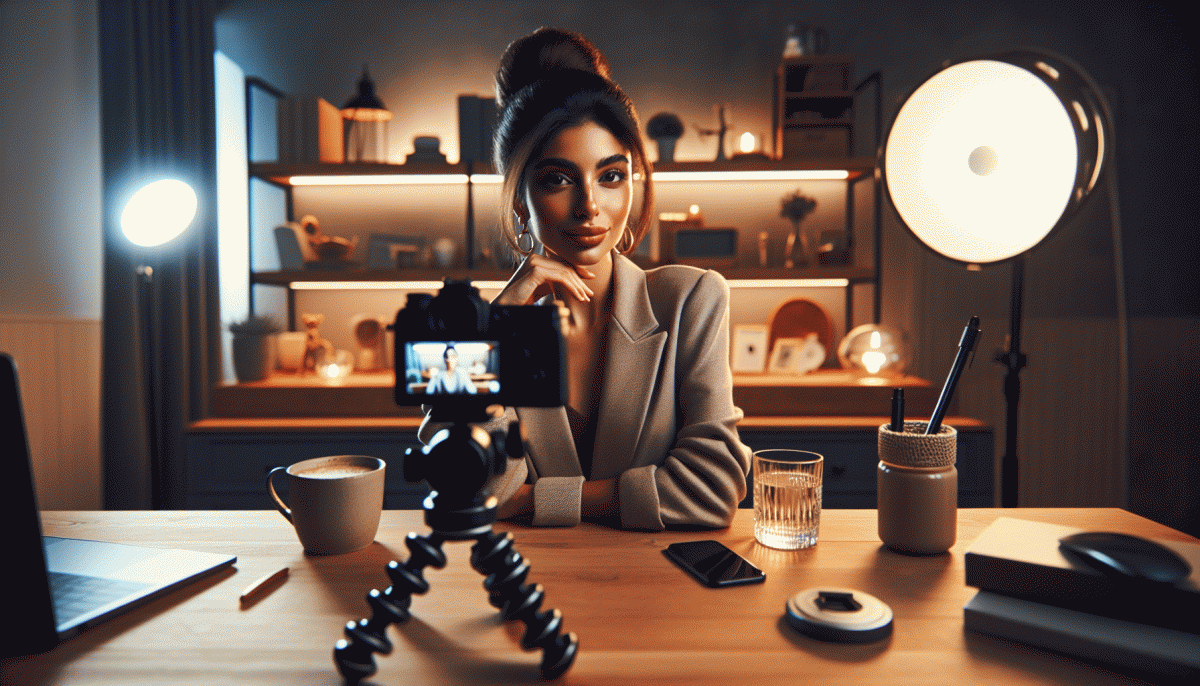
Lights do the heavy lifting. Put the brightest, softest source in front of you and slightly above eye level so skin tones glow and shadows sit under the cheekbones, not across the face. Use a window as a natural soft box when possible, or diffuse a lamp with a white cloth or baking paper for cheap cinematic vibes. Avoid a strong overhead light that creates raccoon eyes.
Framing is your silent collaborator. Position the camera at eye height, not from a mysterious chin or forehead angle. Give a little headroom, and follow the rule of thirds: eyes one third down from the top of the frame. Inflate the space by creating depth between you and the background; a plant or lamp two to three feet behind you prevents the flat wall look and keeps viewers engaged.
Audio is more important than pristine visuals for live sessions. Use a lavalier or a small USB mic close to your mouth to capture clear sound and reduce room echo. If nothing else is available, headset earbuds often outperform a distant phone mic. Kill notifications, pick a quiet room with soft furnishings, and test sound levels before going live. If audio clips occur, drop your volume or move closer to the mic.
Quick checklist before pressing Go Live: check light direction, level the camera, tidy the immediate background, and run a 30 second audio test. Small tweaks yield big confidence gains, and when visibility and audio are set, the rest of the show becomes effortless. Treat this setup as a ritual and you will enter each stream looking calm, composed, and fully present.
Turn Replays Into Growth: Snip, Caption, and Cross Post Like a Boss
Live replays are content gold — stop letting them collect dust. Slice your longer stream into 15–60 second moments that show a clear hook, an aha or a laugh, and a tight CTA. Treat each clip like an ad for the full replay: tease the value, drop a timestamp, and make the first 3 seconds impossible to scroll past.
Use a repeatable workflow so repurposing doesn\u0027t become a second job: capture → edit → caption → distribute. Here are three quick moves to systematize it:
- Clip: Snip the moment with the strongest emotional or utility payoff and add a 2–3 word headline on-screen.
- Caption: Write a 1-line hook + 2-line context, include 1 hashtag and a question to spark replies.
- Crosspost: Tailor the same clip for different platforms (square for Instagram, vertical for TikTok), tweak the caption, and pin the replay link.
Wanna shortcut growth while you\u0027re busy streaming? Check the best YouTube boosting service for ideas on distribution and timed pushes. Then measure: views, saves, comments, and traffic back to the replay. Rinse and repeat weekly until your replays become a reliable lead machine.
Read also

Instagram Live Without the Cringe: The Unfair Playbook They Don't Want You to Use

Go Live on Instagram Without Cringe: The Shockingly Simple Playbook

Go Live on Instagram Without the Cringe: Steal These Pro Tricks to Wow Viewers

Live on Instagram Without Embarrassment: Pro Secrets That Actually Work

You’ve Been Doing Instagram Live Wrong—Do This Before You Hit ‘Start’
