Go Live on Instagram Without Cringe: Steal These Pro Moves
Prep Like a Pro: A 10-Minute Run-Through That Saves Your Reputation
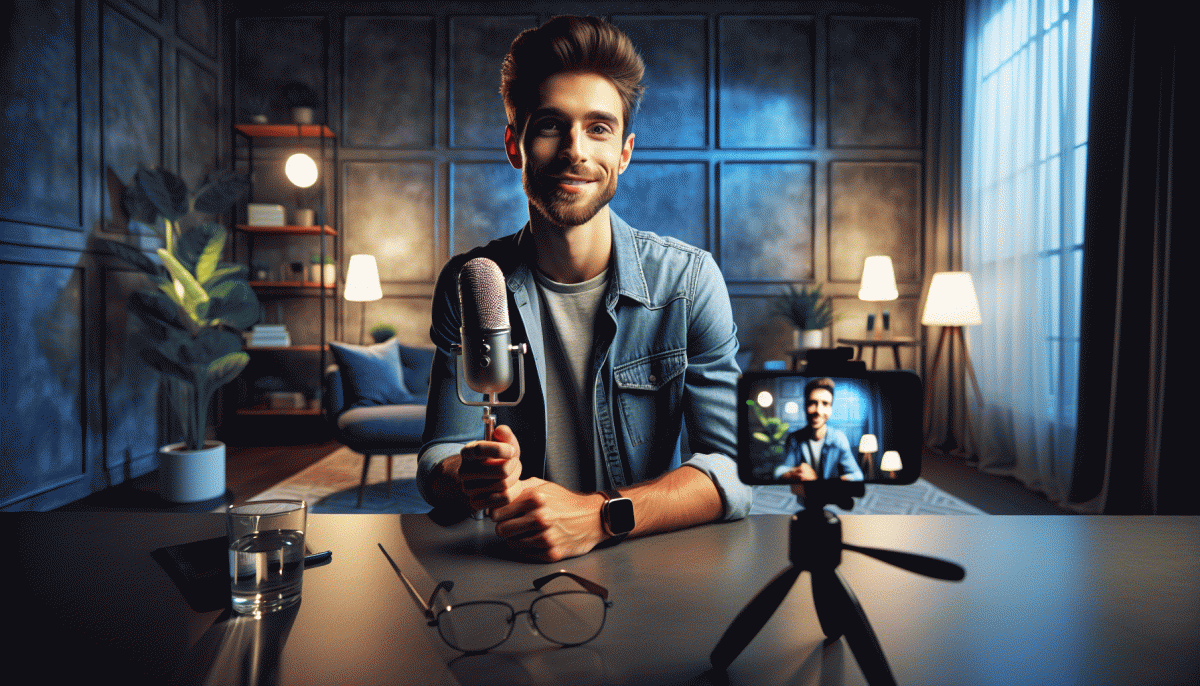
Ten minutes is all you need to dodge awkward silences and technical disasters. Set a timer and treat this like a runway check: clear your background of visual clutter, pick a high-contrast spot, and frame head-and-shoulders. Turn on Do Not Disturb on phone and desktop, close unused apps, and make sure your device is charging or at full battery before you hit that red button.
Minute one through three: tech triage. Test mic by speaking at the volume you plan to use, glance at the waveform if available, and check camera focus. Verify internet strength with a quick upload or by moving closer to the router. Flip to the back camera for any demonstration shots so you know how much movement you can allow without blur.
Minutes four through seven: rehearse the hook and structure. Write a one-sentence opener that promises value, then list three bite-sized points you can expand on. Practice the opening 30 seconds out loud until it feels natural; that keeps nerves from collapsing into ums. Plan one clear call to action and compose the pinned comment you want to drop as soon as you go live.
Final minutes are for vibe and timing. Do two deep breaths, smile, and say the first line once more to warm your voice. Set comment filters and prepare quick replies for common questions. If you have a collaborator, confirm their cue. Count down aloud — three, two, one — then start with energy: the live audience senses confidence more than perfection.
Hooks That Stop the Scroll: Openers Your Audience Cannot Ignore
First impressions on a live stream happen faster than a double tap. Your opener is not a warmup line, it is the headline that convinces someone to stay and watch. Think of those opening seconds as prime real estate: no rambling, no apology, no backstory. Jump in with something that makes the viewer say Whoa, wait, I need to see this.
Use formats that fit an instinctive brain response. Try these quick templates as your starting playbook and iterate until one feels natural on camera:
- Teaser: Promise a clear payoff in one sentence, like a mini cliffhanger that makes curiosity mouselike and irresistible.
- Shock: State a counterintuitive fact or bold opinion that flips expectations and forces a mental pause.
- Benefit: Lead with what viewers will gain in measurable terms so they know staying equals value.
Delivery wins where words alone lose. Match mouth speed to energy, use a tight frame so facial expressions read at small sizes, and add a simple visual cue within the first three seconds: a prop, a quick graphic, or a caption that repeats the promise. Practice the line until it lands clean in one breath. If a joke is part of the opener, pause for a fraction so the brain can catch the punch.
Actionable rehearsal plan: write three variations, record each as a 15 second clip, and watch them muted to check visual clarity. Pick the one that works without sound because many viewers scroll with audio off. Repeat the selected opener until it feels spontaneous, then use it as your anchor for the first minute. Small, sharp openers stop the scroll and make the rest of your live feel intentional instead of accidental.
Chat Like You Are Famous: Handling Comments, Trolls, and Awkward Silences
Want to sound like you've done this a thousand times even if it's your tenth live? Start by triaging comments like a showrunner: scan for questions to answer, compliments to acknowledge, and potential trolls to flag. Use a quick mental filter—answerable, promotable, ignorable—and keep your tone consistent so the chat feels curated, not chaotic.
Have a pocket of canned replies ready so you never stare into the abyss. A few power lines you can rotate: "Love that—I'll cover it in 10!", "Amazing idea, saving that for later.", and "Thanks for the love! What brought you here today?". Drop these when you need two seconds to think or to loop a question into a talking point.
Trolls are attention vampires—feed them nothing. First option: ignore and let the algorithm bury them. Second: defuse with humor if it's mild ("Weird flex, but okay!") and it serves the vibe. Third: remove and block if they disrupt. Prep a moderator or two and enable slow mode when chat goes sideways; your future self will thank you.
Awkward silences aren't failures, they're opportunities. Keep a list of micro-segments—quick backstory, behind-the-scenes detail, or a 60-second demo—to drop in. Ask direct, easy prompts to the audience: "Type 1 if you've ever..." or call out and read a comment aloud. Interaction begets interaction; one voice starts a chorus.
Finish each session with a clean routine: shout out top commenters, answer one FAQ, and end with a clear CTA like "Follow so you don't miss tomorrow's drop!". Rehearse these moves so they feel natural, use pinned comments to set expectations, and you'll turn cringe-prone moments into signature pro moves that keep viewers coming back.
Lighting, Angles, and Filters: Look Studio-Ready With What You Already Own
Lighting is the easiest glow cheat — and you already carry a key light in your pocket. Face a window for soft, flattering light and avoid direct midday sun that casts hard, contrasty shadows. When indoors, move lamps to create a 45-degree key light instead of blasting from above, which gives the dreaded raccoon-eye look.
No reflector? No problem. A sheet of white printer paper, a baking tray, or a pale pillowcase will bounce light and soften the shadow under your chin. Clip-on LED rings are nice but unnecessary; a bedside lamp and a DIY reflector will usually beat the harsh on-camera flash. For evening streams, cluster warm lamps behind the camera and slightly raise your phone brightness to keep exposure even.
Angle and framing make or break presence. Raise your camera to eye level or a touch above using books or a mug — shooting from below flattens jawlines. Step back and crop instead of zooming to avoid fish-eye distortion, and use the grid to keep your head out of the center cross for a more dynamic frame. Want simple tools or quick promo help? Visit TT marketing boost for options that get you visible without weird filters.
Filters can be your friend when subtle. Pick one preset, dial opacity to 15–30%, and skip heavy skin-smoothing. Use your phone's portrait or pro mode to lock exposure and white balance, save a preset for consistency, and do a one-minute tech rehearsal before you go live. Smile with your eyes, lean forward a touch, and you will read as studio-ready even on a kitchen table.
Endings That Sell: CTAs and Replays That Keep Working After You Log Off
Close your live like a pro, not like a sales robot. End with a one line promise that tells viewers what will be different if they act: a quick result, a tiny ritual, or an exclusive replay perk. Say it with personality, add a tiny bit of urgency, and then give a clear next step so casual viewers can convert while emotion is still high.
Use CTAs that are specific and frictionless. Swap "check out my link" for "save this tip and tap the bio to download the 3-step cheat sheet." Offer a low effort action first (save, share, DM "replay") and a larger ask second (sign up, buy) so the replay audience has a ladder to climb. Always pin a comment with the exact CTA words viewers can copy.
Optimize the replay so it keeps selling: add a hook at 00:00, keep the first 30 seconds punchy, and surface the offer again at the 50% mark. Make tiny edits for the video cover and caption to drive clicks and searches.
- Tease: Mention the free takeaway in opening and closing lines
- Save: Tell people to save for later and explain one quick reason
- Convert: Offer a simple immediate action like DM "REPLAY" or visit bio
Then add timestamps, a searchable caption with keywords, a bold thumbnail, and a pinned story highlight so the replay becomes a 24/7 salesperson.
Read also

Go Live on Instagram Without the Cringe: Steal These Pro Tricks to Wow Viewers

Still Crushing Instagram Without Ads? Steal These Organic Tactics

Instagram Live Without the Cringe: The Unfair Playbook They Don't Want You to Use

Go Live on Instagram Without Cringe: The Shockingly Simple Playbook

Campaign Burnout? Steal These No Rebuild Moves to Wake Your Metrics Up
