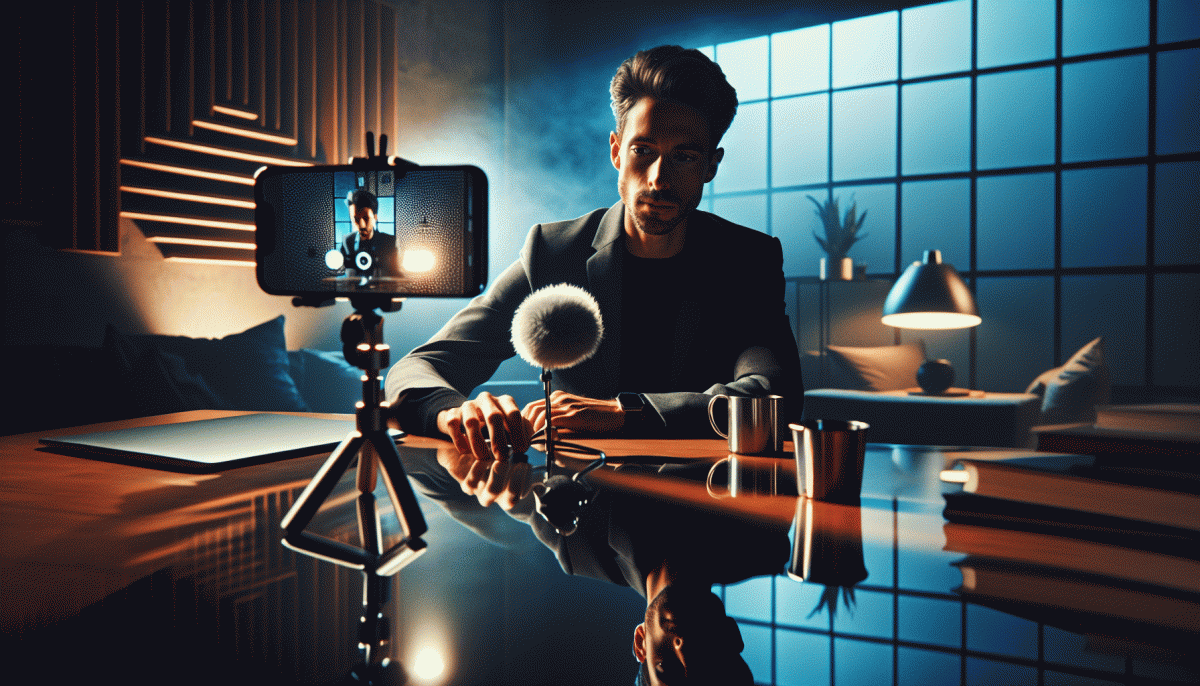
Before You Hit "Go Live" on Instagram, Read This (No Cringe, Only Wins)
The 7-Minute Pre-Flight: Script, Setup, and Zero Awkward Silence
Think of this as your seven minute mission control: a rapid, repeatable routine that turns anxiety into a calibrated launch. Start by picking a single promise for the stream — the one thing people will remember — and write a two sentence opener that delivers it. Keep that tiny script on a sticky note or the top of your phone so you can glance, not read.
Minute 1 — Script: rehearse the opener twice and a backup question for early viewers; Minute 2 — Tech: check microphone gain and camera angle with a one line test; Minute 3 — Lighting & Framing: move one soft light or a window to eliminate shadows; Minute 4 — Audio Check: listen to headphones for background hum and drop phone notifications to Do Not Disturb; Minute 5 — Energy: run a 10 second smile and voice warmup; Minute 6 — Engagement Plan: choose two prompts to ask viewers in the first five minutes and decide where you will pin a comment; Minute 7 — Final: breathe, hit record, and remind yourself two things: you planned this, and you have a friendly human on the other side.
Want example openers? Try: "Quick heads up — we are unpacking one tool that will save you time today," or "If engagement is the mountain, this first tip is your hiking boots." Use short, specific transitions like "Here is how you start" or "One quick win before we dive deeper." Practice those lines out loud once so your tone sounds natural rather than scripted.
Finish the seven minute sprint with a rapid environment scan: tidy visible background, mute noisy apps, confirm Wi Fi icon shows strong connection. Keep a sticky script with your three checkpoints: hook, value, CTA. Treat this routine like a preflight checklist — repetitious, boring, and hugely effective. After seven minutes you will feel composed, have clear intent, and leave awkward silence as a thing of the past.
Hooks That Stop the Scroll: Your First 20 Seconds, Engineered
Those first 20 seconds are not a warm up. They are the audition, the handshake, the neon sign outside your shop. Engineer them like a machine: open with a tiny promise, trigger curiosity, then show an immediate payoff. Skip slow ramps and vague teasers; lead with something concrete that answers the silent question on every scroller mind: What is this for me?
If you want faster feedback on which openings work, accelerate your test cycle with a controlled boost and real impressions: buy Instagram followers today. Run three short variants, compare the 3, 10 and 20 second retention, and double down on the winner.
Technical levers you can flip in seconds: add a caption in frame one, use a motion pop in frame two, and drop a bold value line by frame four. Sound is optional but effective; if you go silent, make the visual motion twice as clear. Keep the camera close, the text large, and the first beat under one second.
Openers you can steal: quick result first, then setup.
Contrast: show a surprising before next to a clean after.
Question: ask something the viewer feels, then promise the answer in 10 seconds. Each opener forces a next action: watch one more second.
Test, measure, adapt. If a hook does not pull at 10 seconds, it will not carry to 20. Save your winners, iterate formats, and build a swipe file of opening lines so your next go live is not guesswork but strategy with style.
Look and Sound Pro: Lighting, Audio, and Angles on a $0 Budget
You don't need studio gear to look studio-ready. Face a window at a 30–45° angle so natural light sculpts your face, and avoid brutal overhead bulbs that create raccoon eyes. Bounce light back with a sheet of white paper or a clean foam board held just below the frame, and diffuse harsh sun with a thin shower curtain, tracing paper, or parchment taped over the window. If you can, shoot during golden hour for softer skin tones, and lock exposure on your phone so brightness doesn't hunt mid-live.
Sound matters more than people think, and fixes are cheap and weirdly satisfying. Tuck your earbuds' mic into a collar or the seam of a shirt, prop the phone on a pillow near you, and lean in a touch — proximity beats fancy processing. Kill fans and background hum, put your device on Do Not Disturb, and dampen echo with blankets, rugs, or a makeshift duvet drape. Do a quick voice memo test: if your voice is clear on round-trip playback, you're golden.
Angles and framing set mood without you having to act. Aim the lens at eye level or slightly above, tilt your chin down a fraction to be flattering, and stack books or a cereal box to make a steady stand-in tripod. For Instagram Live keep vertical, leave breathing room above the head, and try slight off-center framing for a modern, intentional vibe. Step back a bit to reduce wide-angle distortion and let background depth do the heavy visual lifting.
Finish with small, repeatable tech checks: grid on, focus/exposure locked, HDR off, battery topped, background cleared of clutter. Run a 30-second dry take to catch hiss, flicker, or unexpected reflections. Keep a one-line checklist — lighting, audio, angle — pinned where you can see it, and you'll consistently look like you meant to be that good.
Host Like a Natural: Chat Prompts, Pace Control, and Troll Tactics
Think of your live like a small, well-directed variety show: you are the host, the scriptwriter, and the stage manager. Prep 5–7 chat prompts that are short, open-ended, and easy to copy-paste when energy dips — questions that invite opinions, quick polls, or “this-or-that” answers. Keep them handy in a note so you can drop them without sounding scripted.
Build a simple pacing plan: open with a hook (30–60 seconds), drop value in 3–5 minute chunks, and always leave space for interaction. When things slow, switch formats: a quick demo, a shoutout round, or a reply-to-chat minute. Own transitions with a consistent phrase so viewers know what to expect.
- Prompt: Drop a one-liner question to pull chat in (e.g., "Which filter should I try next?").
- Pace: Use a visible clock and 3-minute segments to keep rhythm—shorter beats feel fresher live.
- Trolls: Neutralize attention-seekers fast: don't feed, acknowledge once, then pin a brighter topic.
Practice makes relaxed: run mock lives with a friend, rehearse transitions, and memorize three recovery lines for tech hiccups. End every session with a clear CTA—where to follow, what to expect next—and a playful sign-off. Over time you'll hit a natural cadence that feels effortless and keeps people coming back.
After the Live: Repurpose Clips Into Reels, Stories, and Sales
That Live just finished and you have an hour of unpolished gold. First pass: skim the recording and timestamp the top eight moments — the laugh, the aha answer, the demo win, the guest mic drop. Create a "best of" folder and name clips by intent so you can find Hook, Teach, Proof, Offer in seconds. Do this in one focused 20 minute edit session to keep momentum.
Next, make Reels that actually stop thumbs. Chop 15 to 30 second scenes that open with a bold hook in the first three seconds, then deliver one clear value beat. Add big subtitles, punchy music, and quick jump cuts. Tag guests, include 3 to 5 relevant hashtags, and check the thumbnail frame. Export vertical 9:16 and craft a one line caption that teases the payoff and invites action.
Stories are for context and urgency. Break longer segments into sequential story slides, put a poll or question sticker on the most interactive moment, and use a countdown sticker for drops or events. Use Link sticker or shoppable tags on product moments and save the best sequences to Highlights titled by theme so new visitors see the curated version.
Finally, turn clips into revenue with simple funnels: pair a demo clip with a short benefit caption and a clear next step such as Link in Bio or DM to order. Boost a top performing Reel as a micro ad, drop the same clip into an email teaser, and A B test two CTAs. Track saves, shares, and clicks, then rinse and repeat so each Live becomes a content engine, not a one time gamble.
Read also

You’ve Been Doing Instagram Live Wrong—Do This Before You Hit ‘Start’

Are Instagram paid ads still worth it? Read this before you spend another dollar

Go Live on Instagram Without the Cringe: Steal These Pro Tricks to Wow Viewers

Instagram Live Without the Cringe: The Unfair Playbook They Don't Want You to Use

Go Live on Instagram Without Cringe: The Shockingly Simple Playbook